
Last updated: July 2026.
Hiring a new employee is not just an HR task. For Philippine companies, it also creates a small procurement workflow: confirm the role, choose an approved laptop standard, check accessories, request a quote, prepare purchase documents, arrange delivery, and make sure the employee can start work without waiting for equipment.
The safest approach is to treat laptop buying as a repeatable onboarding checklist. A good checklist helps HR, IT, finance, and operations agree on what each new hire needs before the purchase request is sent. It also reduces last-minute substitutions, mismatched specs, missing accessories, and invoice delays.
Shoppable Business can help teams compare options in the business procurement catalog, review business laptop products, request quotes, and coordinate procurement support. If your team is equipping remote employees, also review laptop procurement for remote teams and Procurement as a Service for related buying support.
Short Answer: What Should Be On a Laptop Procurement Checklist?
A laptop procurement checklist should confirm the employee role, approved laptop tier, minimum specs, operating system, warranty, accessories, delivery location, quote requirements, invoice or purchase-order process, asset tagging, security setup, and replacement plan. For most office roles, a practical baseline is 16GB RAM, 512GB SSD storage, a current business-grade processor, and Windows Pro when company management policies require it.
Business Laptops to Compare
Use these Shoppable Business product catalog listings as new-hire laptop tier examples. To see more options by manufacturer, browse the HP brand page, Acer brand page, Dell brand page, or Lenovo brand page. Confirm availability, warranty, pricing, and final model fit through a business quote before procurement.
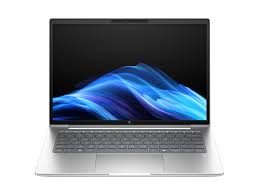
HP ProBook 4 D60E6PT G1iR 14 Core 5 120U 16GB 512GB Business Laptop
Best for: Default new-hire laptop tier for admin, HR, finance, and operations roles
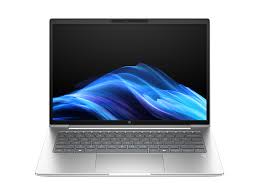
HP ProBook 4 D60E9PT G1iR 14 Core 7 150U 16GB 512GB WUXGA Laptop
Best for: Higher-spec new hires, team leads, and roles with heavier spreadsheets or reporting
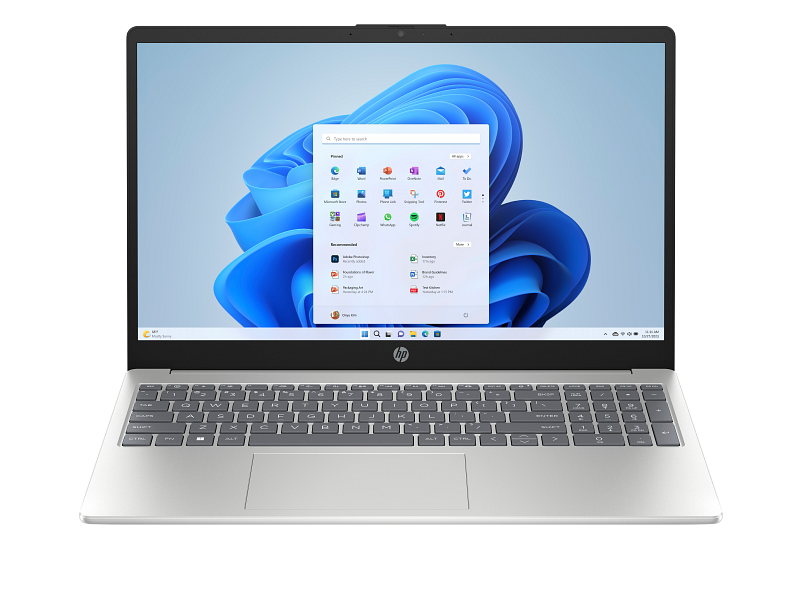
HP 15-fd1541TU 15.6-inch Core 5 120U 16GB 512GB FHD Laptop Silver
Best for: General office onboarding where a 15.6-inch screen and 16GB memory are useful
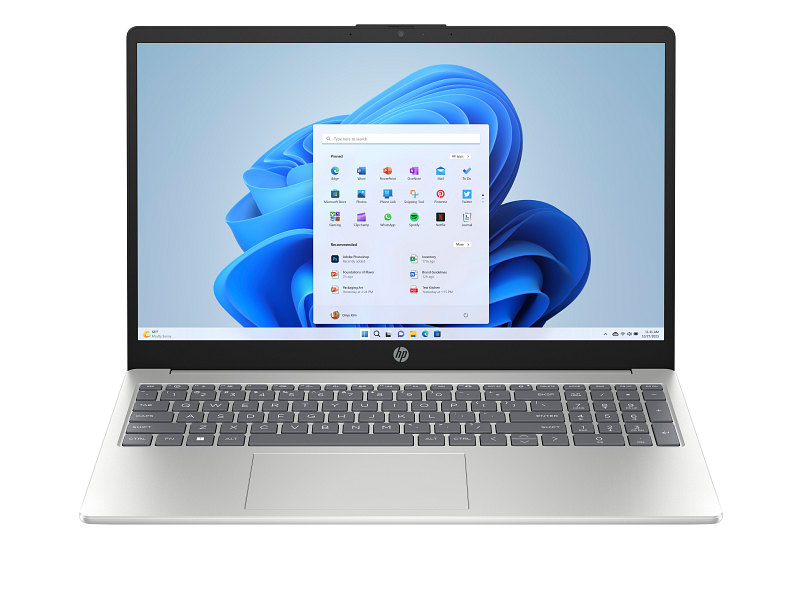
HP 15-fd2111TU 15.6-inch Core Ultra 5 225U 16GB 512GB FHD Laptop
Best for: Newer Intel platform option for employee groups that need a modern baseline
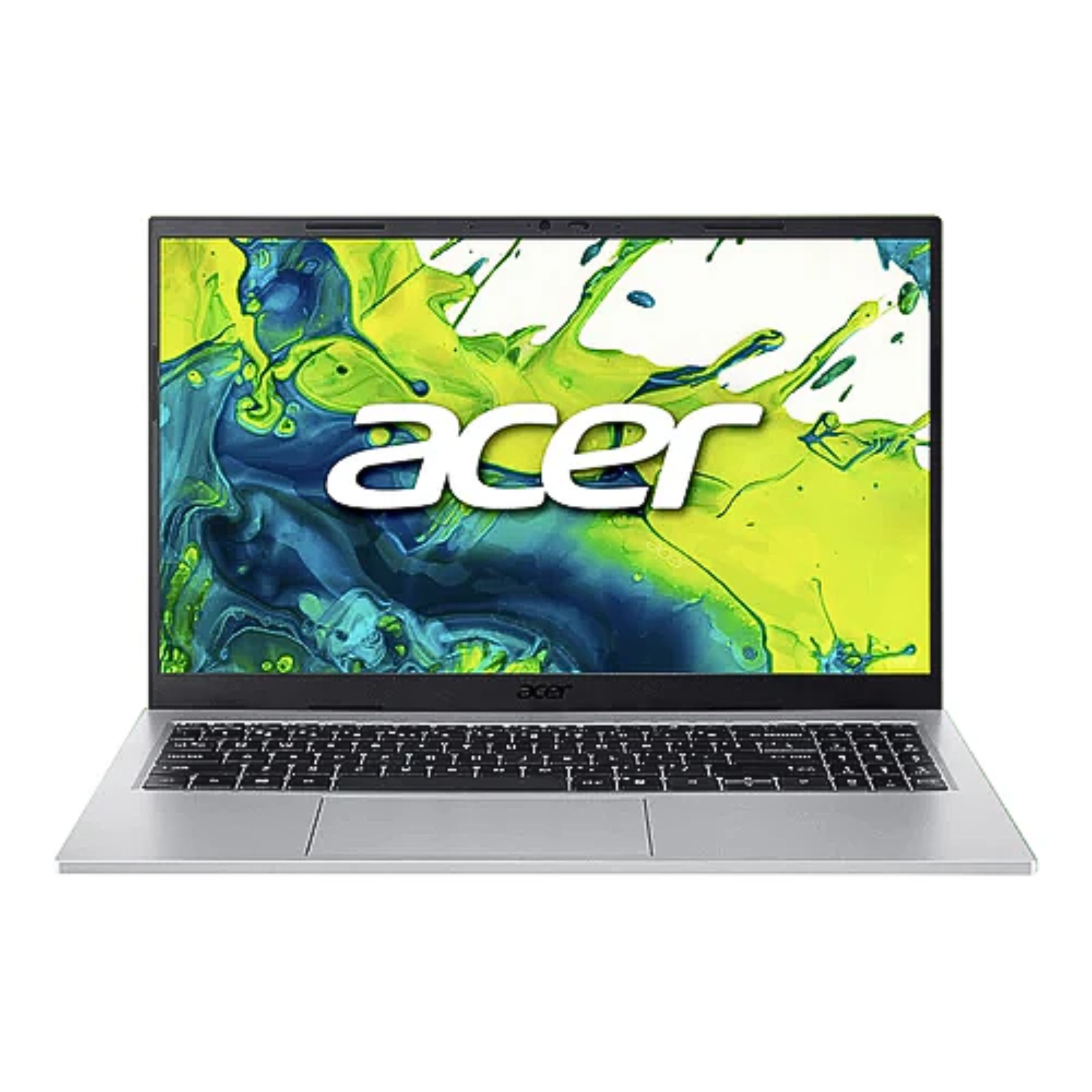
Acer Aspire Go AG15-43P-R19X Ryzen 5 7640HS 16GB 512GB Laptop
Best for: Cost-controlled onboarding batches where Acer is acceptable for the company standard
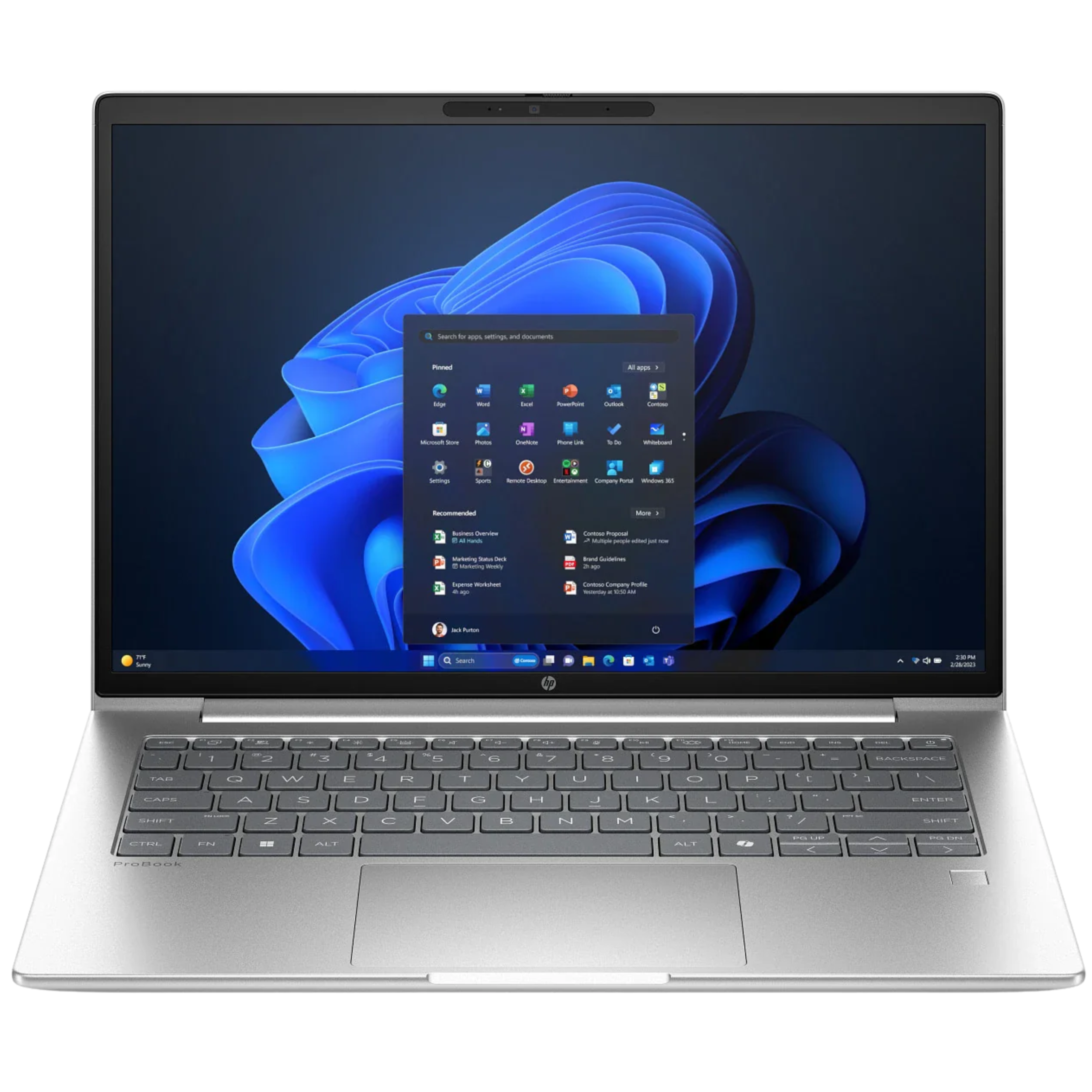
HP ProBook 4 D60FSPT G1i 14 AI Ultra 5 225U 8GB 512GB Business Laptop
Best for: Light-duty new hires where a business-line HP laptop matters more than heavier specs
New Employee Laptop Procurement Checklist
| Checklist item | What to confirm | Why it matters |
|---|---|---|
| Role and work type | Admin, finance, sales, manager, developer, designer, support, BPO, or field role | Prevents overbuying for light users and underbuying for power users. |
| Approved laptop tier | Standard, premium, travel, or power-user model | Helps HR and IT request the right item without starting from scratch each time. |
| Minimum specs | RAM, storage, processor, screen size, webcam, ports, operating system | Keeps devices useful for video calls, browser work, spreadsheets, and company tools. |
| Warranty and support | Warranty period, service coverage, replacement process | Reduces downtime when laptops fail during onboarding or daily work. |
| Accessories | Headset, mouse, keyboard, monitor, dock, bag, privacy filter, adapter | Prevents the new hire from receiving a laptop but missing the tools needed to work. |
| Security setup | Windows Pro, device management, endpoint protection, account setup | Makes the laptop easier to manage, secure, and recover later. |
| Delivery location | Office address, employee home address, branch, or BPO site | Avoids shipping delays and mismatched handoff instructions. |
| Documents | Quote, purchase order, official invoice, receiving record, asset tag | Keeps finance and operations aligned before payment and deployment. |
| Retrieval plan | Return rules for resignation, role change, or remote employee offboarding | Makes the laptop lifecycle easier to manage after onboarding. |
Step 1: Match the Laptop to the Role
Do not begin with the brand. Begin with the employee's actual work. A finance employee who uses spreadsheets all day may need a different setup from a sales employee who travels, a support agent who works with a headset and monitor, or a manager who joins many video calls from different locations.
For most new hires, create three internal tiers:
| Tier | Typical users | Practical baseline |
|---|---|---|
| Standard office laptop | Admin, HR, finance, operations, general office staff | 16GB RAM, 512GB SSD, 14-inch or 15-inch display, business-grade processor |
| Premium mobile laptop | Managers, executives, sales leaders, frequent travelers | Lighter chassis, better battery life, stronger processor, better display |
| Power-user laptop | Analysts, developers, designers, technical teams | Higher processor class, more RAM when needed, stronger graphics or larger display if required |
This makes procurement faster because HR can map a new hire to a tier instead of asking IT to review every request from zero.
Step 2: Standardize the Minimum Specs
The most common mistake is buying based only on price. Low-cost laptops can look attractive, but if they have weak memory, small storage, or a consumer setup that is hard to manage, the company may pay for it later through slow work, replacements, or support tickets.
For most business users in 2026, 16GB RAM and 512GB SSD storage is a safer default than 8GB RAM and smaller storage. Some lighter roles can still use 8GB, but browser-heavy work, collaboration apps, spreadsheets, and video meetings make 16GB a better standard for many teams.
Confirm these before quote approval:
- Processor class and generation
- RAM and whether it is upgradeable
- SSD storage size
- Screen size and resolution
- Webcam and microphone quality
- Ports for monitors, docks, and adapters
- Wi-Fi and Bluetooth support
- Operating system edition
- Warranty coverage
Step 3: Decide Which Brands and Models Are Approved
Approving too many models can make support harder. Approving too few can slow procurement when a model is unavailable. A practical middle ground is to maintain a short approved list by role.
For example:
| Buying situation | Good starting point |
|---|---|
| Standard office deployment | Dell Pro, Lenovo ThinkPad E/L, HP ProBook, or equivalent business models |
| Manager or mobile employee | Dell Latitude, Lenovo ThinkPad higher-tier models, HP EliteBook, or equivalent premium models |
| BPO or support team | Business laptop plus monitor, wired headset, keyboard, mouse, and backup accessory plan |
| Cost-controlled rollout | One standard model, one backup model, and one premium exception model |
If your company is comparing brands, review the Dell brand catalog and Lenovo brand catalog. You can also use the related guide on Dell vs Lenovo business laptops for brand-level comparison.
Step 4: Include Accessories in the Same Request
A laptop alone is rarely the full onboarding kit. Many new employees need a headset, external monitor, keyboard, mouse, laptop stand, adapter, webcam, or bag. Remote employees may also need delivery instructions and a clear process for replacements or returns.
Before requesting a quote, ask:
- Will the employee work onsite, hybrid, or fully remote?
- Does the role require a monitor or dual-monitor setup?
- Does the employee need a headset for calls?
- Will the laptop connect to a dock or meeting room display?
- Are adapters needed for HDMI, USB-C, or Ethernet?
- Should accessories be delivered with the laptop or separately?
This is where procurement often gets messy. A new hire can receive the laptop on time but still lose productive days because the headset, adapter, or monitor was ordered later.
Step 5: Prepare the Quote and Purchase Documents
Once the shortlist is clear, prepare the information needed for a quote. The goal is to avoid back-and-forth between HR, IT, finance, and the supplier.
Include:
- Number of laptops needed
- Preferred brands and backup brands
- Required specs
- Accessory list
- Delivery location or locations
- Target delivery date
- Invoice or purchase-order requirements
- Warranty expectations
- Contact person for receiving and coordination
Shoppable Business can support quote requests for new-hire laptop procurement, especially when the buyer needs product comparison, official invoices, and a coordinated procurement process.
Step 6: Track Assets Before Deployment
Every company laptop should be tracked before it reaches the employee. At minimum, record the laptop model, serial number, employee name, department, delivery date, warranty details, and assigned accessories.
For remote employees, add delivery proof and return instructions. If the employee resigns or moves roles, this makes retrieval easier and reduces the risk of lost company equipment. If your company manages remote staff in the Philippines, review the laptop retrieval service as part of the full laptop lifecycle.
FAQs
What specs should a company laptop have for new employees?
For most office roles, start with 16GB RAM, 512GB SSD storage, a current business-grade processor, and a 14-inch or 15-inch display. Some light users can work with lower specs, but 16GB RAM is a safer default for browser tabs, video calls, spreadsheets, and collaboration tools.
Should HR or IT choose the laptop?
HR should define the hiring and onboarding need, but IT should define the approved laptop standards. Finance should confirm budget and purchasing documents. The cleanest workflow is a shared checklist with approved models by employee role.
Should accessories be purchased with the laptop?
Yes, when the employee needs them to work on day one. Headsets, monitors, adapters, keyboards, mice, and laptop bags are often forgotten when teams buy the laptop first and accessories later.
FAQs
When should a new-hire laptop be ordered?
Order once the role, start date, delivery address, approval owner, and required accessories are confirmed.
Should accessories be bought with the laptop?
Yes when the employee needs them on day one. Common add-ons include a mouse, headset, monitor, adapter, keyboard, and laptop bag.
How should companies track issued laptops?
Record model, serial number, employee name, department, delivery date, warranty details, and assigned accessories before handoff.
Request a New-Hire Laptop Quote
If you are preparing laptops for new employees in the Philippines, Shoppable Business can help you compare business-ready laptop options, review available catalog products, request quotes, and coordinate procurement support. Share your preferred brands, target specs, employee count, delivery locations, warranty expectations, and invoice or purchase-order requirements so the team can help build a practical shortlist.
Consolidated Bulk Laptop Buying Notes
For bulk laptop purchases, standardize by role first: general office, BPO/support, managers, mobile staff, and higher-spec users. Confirm RAM, storage, Windows Pro needs, warranty, accessories, delivery locations, and purchase-order requirements before requesting a quote.
BPO Laptop Procurement Notes
For BPO teams, standardize around dependable 14-inch or 15-inch laptops with enough RAM for browser tabs, softphone tools, spreadsheets, and video calls. Separate general agent seats from team leads, QA, workforce management, and support roles before requesting a quote so the product shortlist does not become identical to a general office laptop roundup.