
Last updated: July 2026
The best office monitor for productivity is not always the biggest screen. For company procurement, the better question is which monitor standard helps employees work faster without creating unnecessary cost, inconsistent desk setups, or support issues.
Short Answer
For most office teams, a 23.8-inch FHD IPS monitor is the safest productivity baseline. Choose conferencing monitors for meeting-heavy desks, portable monitors for mobile users, smaller monitors for space-conscious deployments, and touchscreen monitors only when the workflow actually needs touch input.
Office Monitors to Compare
Use these Shoppable Business product catalog listings as a starting shortlist. Browse the full monitor category, compare available HP business display options, Nvision monitors, and Xiaomi monitors, then request a business quote before finalizing quantities and workstation bundles.
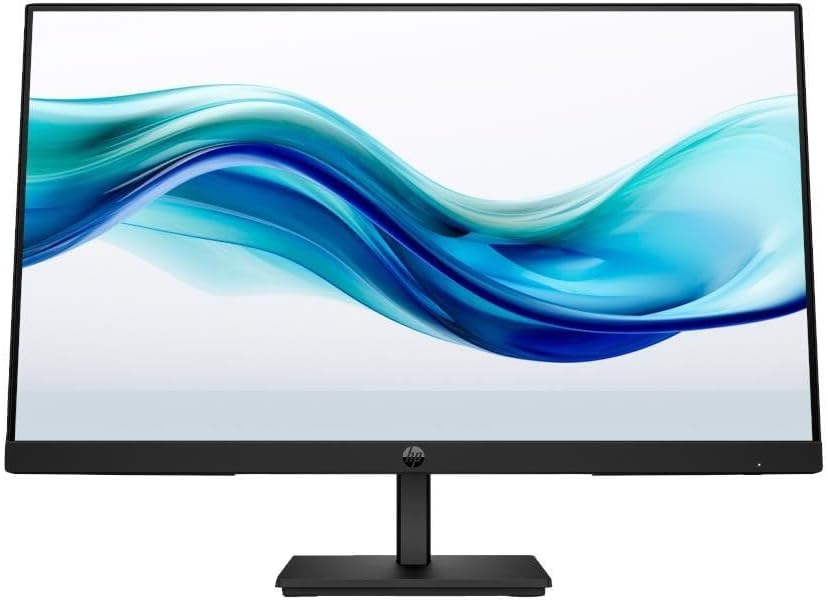
HP Series 3 9U5J5UT Pro 23.8-inch 324pf FHD IPS 100Hz Monitor
Best for: standard office desks, admin users, and productivity workstations
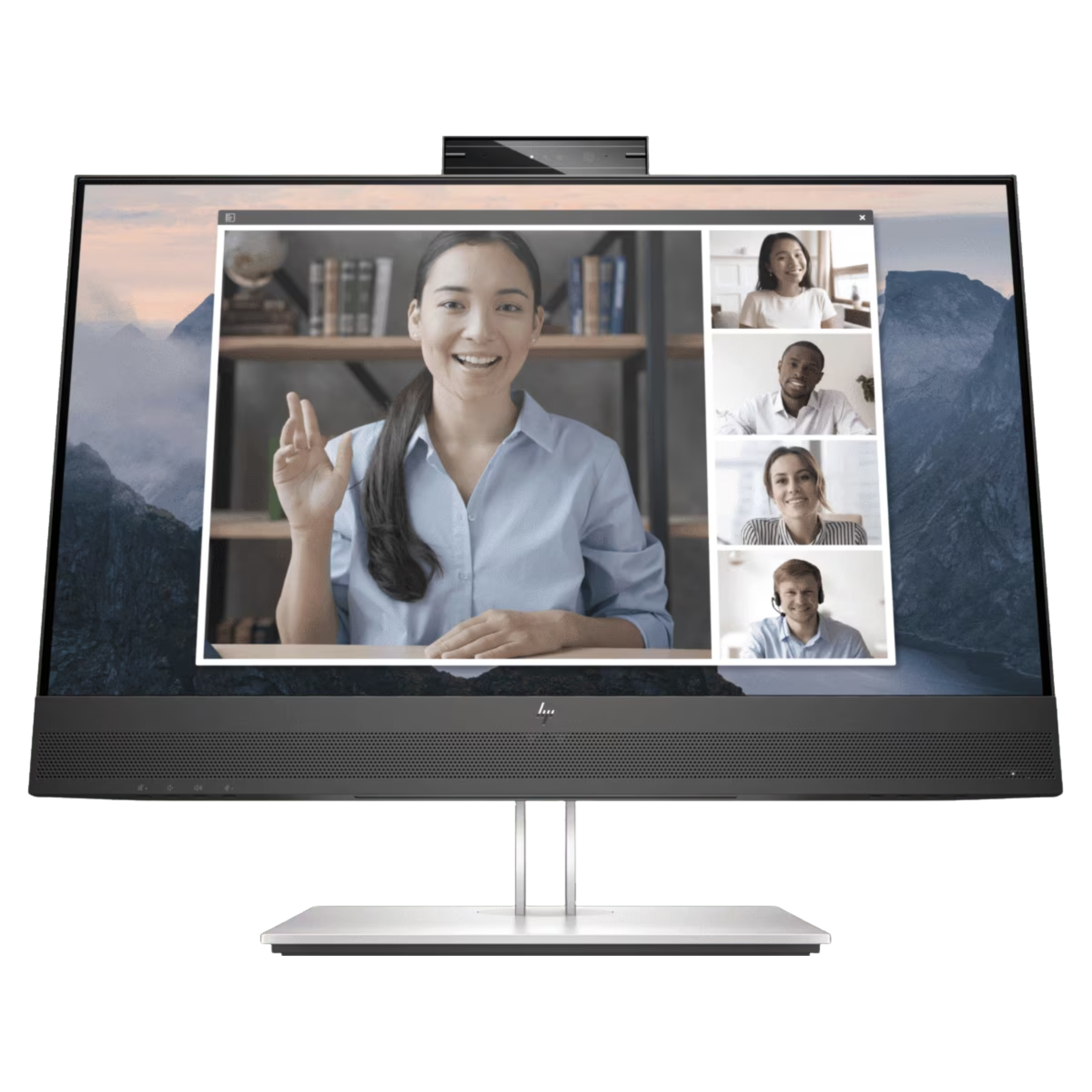
HP 169L0AA E24mv G4 23.8-inch FHD IPS Conferencing Monitor with Webcam
Best for: meeting-heavy managers, HR, training, and hybrid collaboration desks
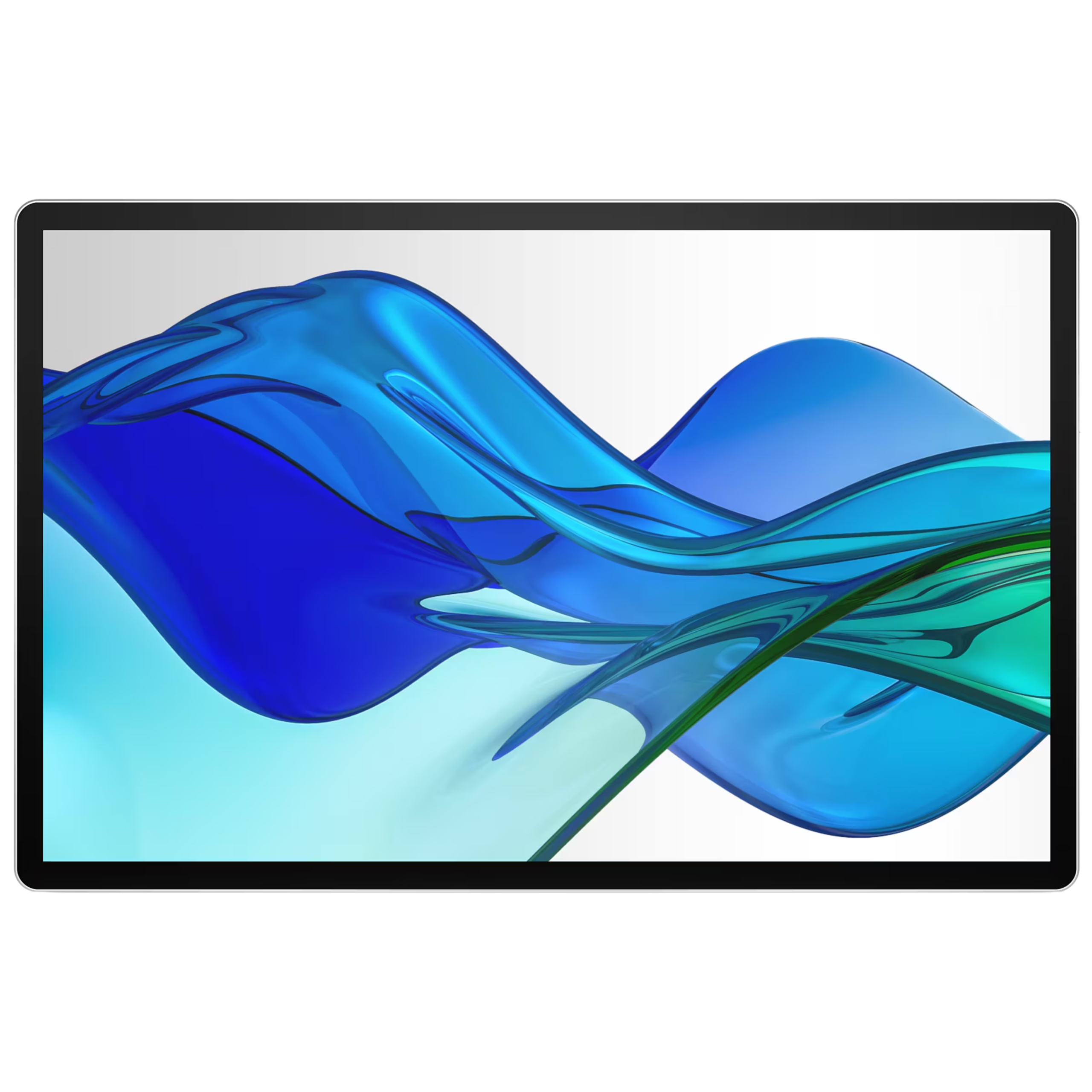
HP B88JWAA S5 Pro 14-inch 514pn WQXGA IPS Portable Monitor
Best for: mobile employees, traveling managers, and compact second-screen setups
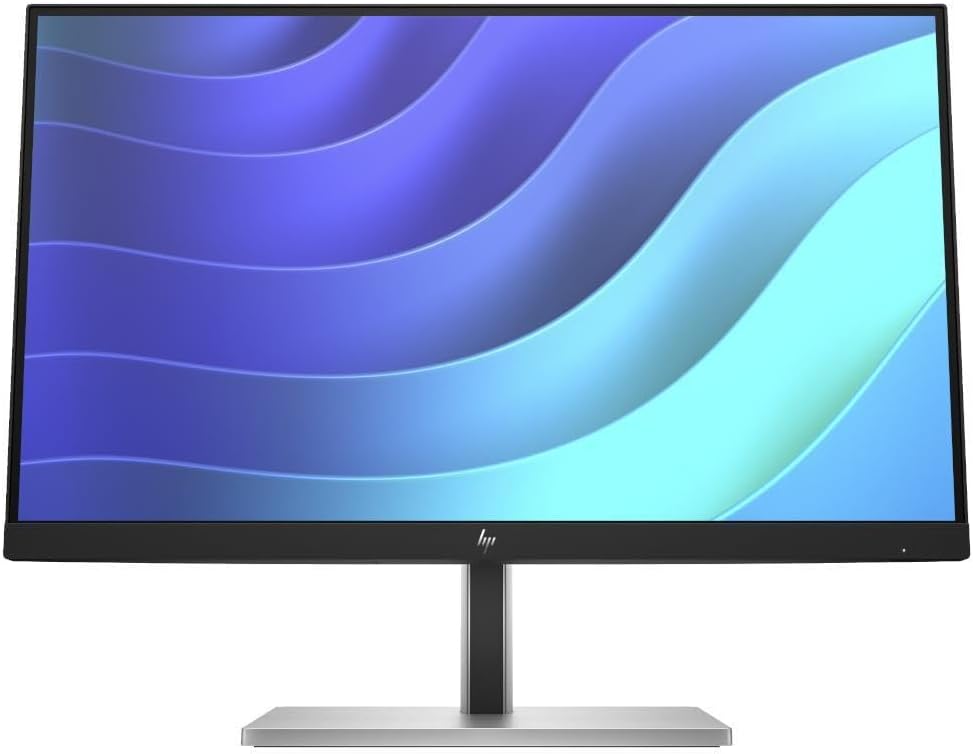
HP 6N4E8AA E22 G5 21.5-inch FHD IPS 75Hz Business Monitor
Best for: space-conscious office desks, shared workstations, and cost-controlled deployments
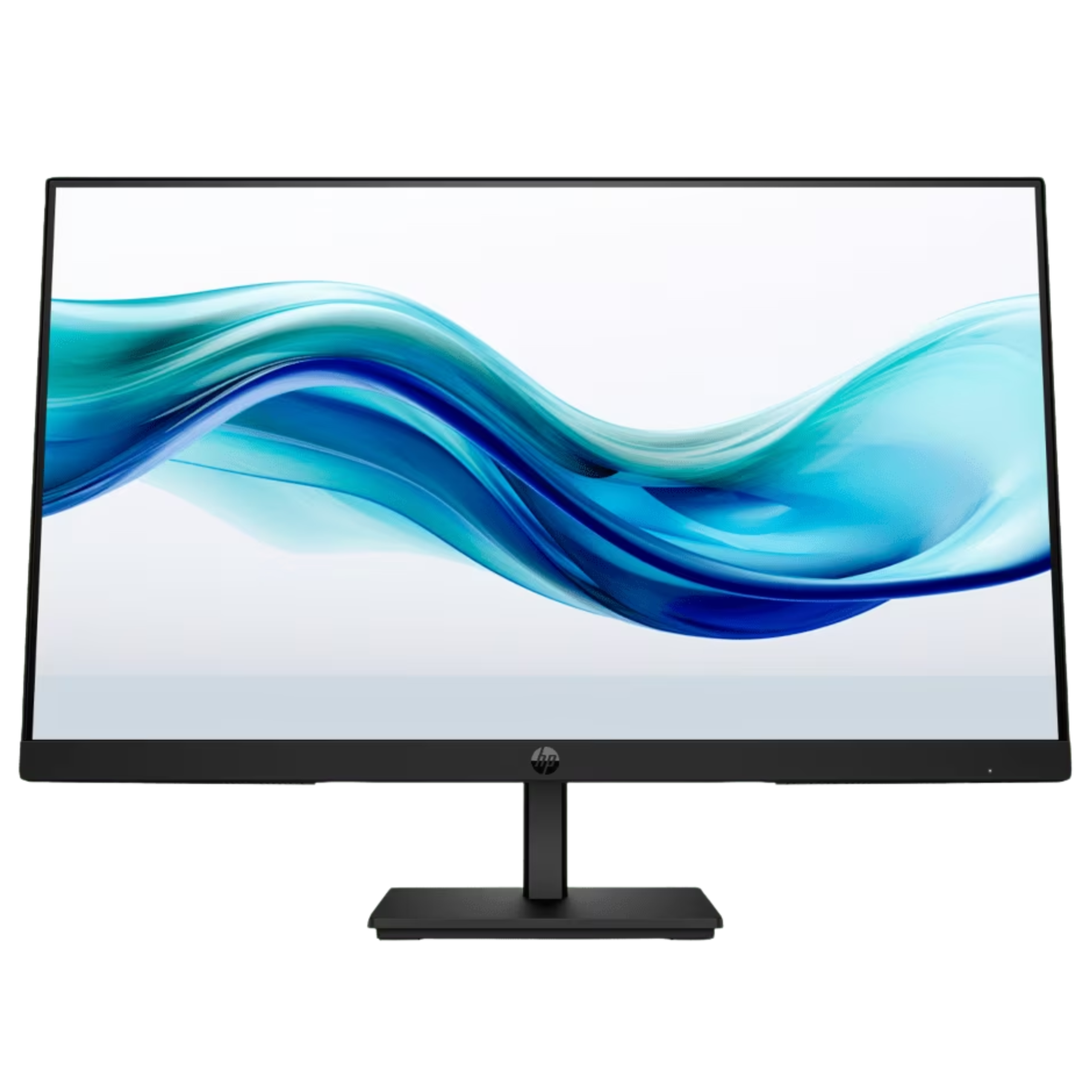
HP 6N6E6AA E24t G5 23.8-inch FHD IPS Touchscreen 75Hz Monitor
Best for: front desks, training rooms, kiosks, and interactive office workflows
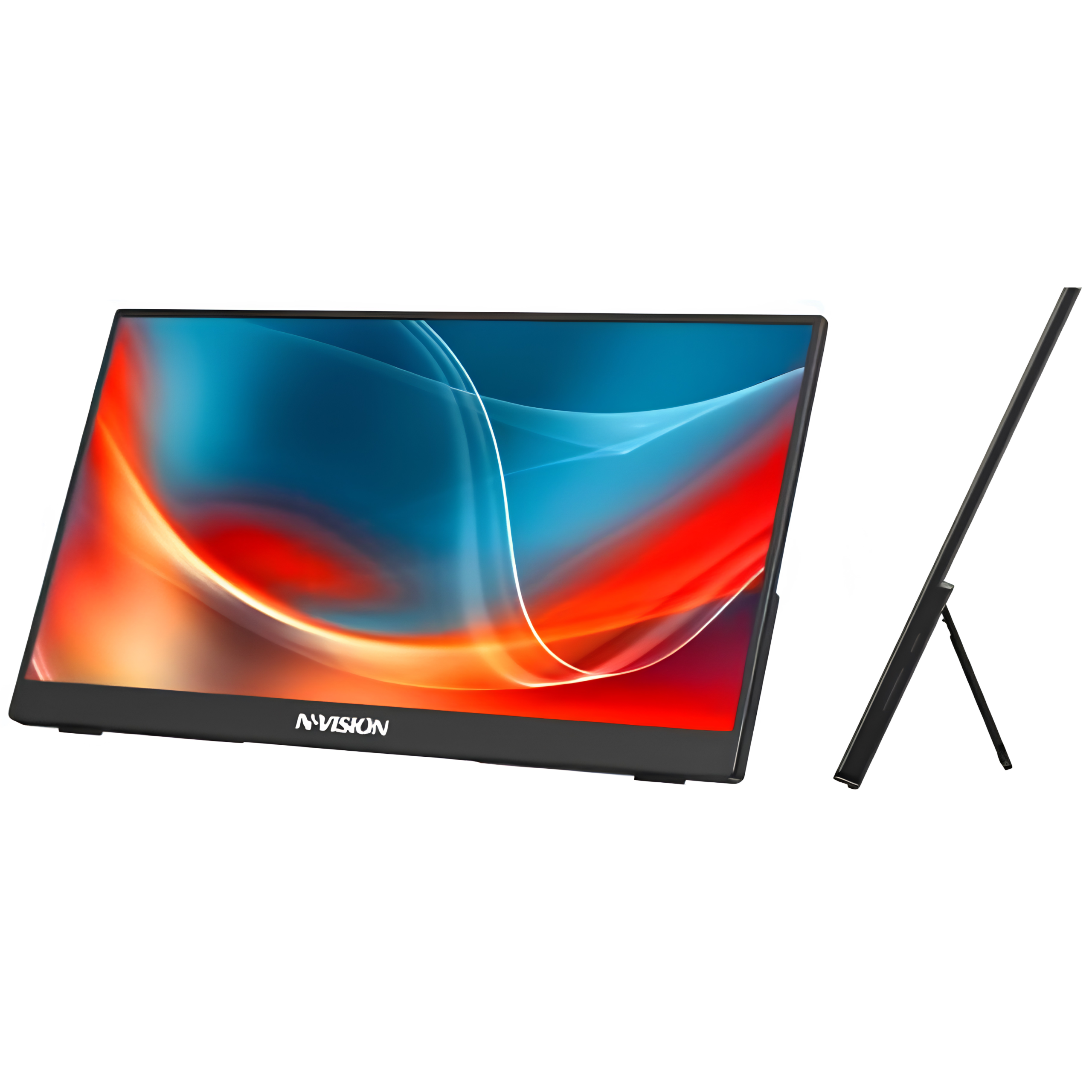
NINGMEI N16X1-H 15.6-inch FHD IPS Touch Portable Monitor
Best for: portable second-screen use, field teams, and flexible temporary workstations
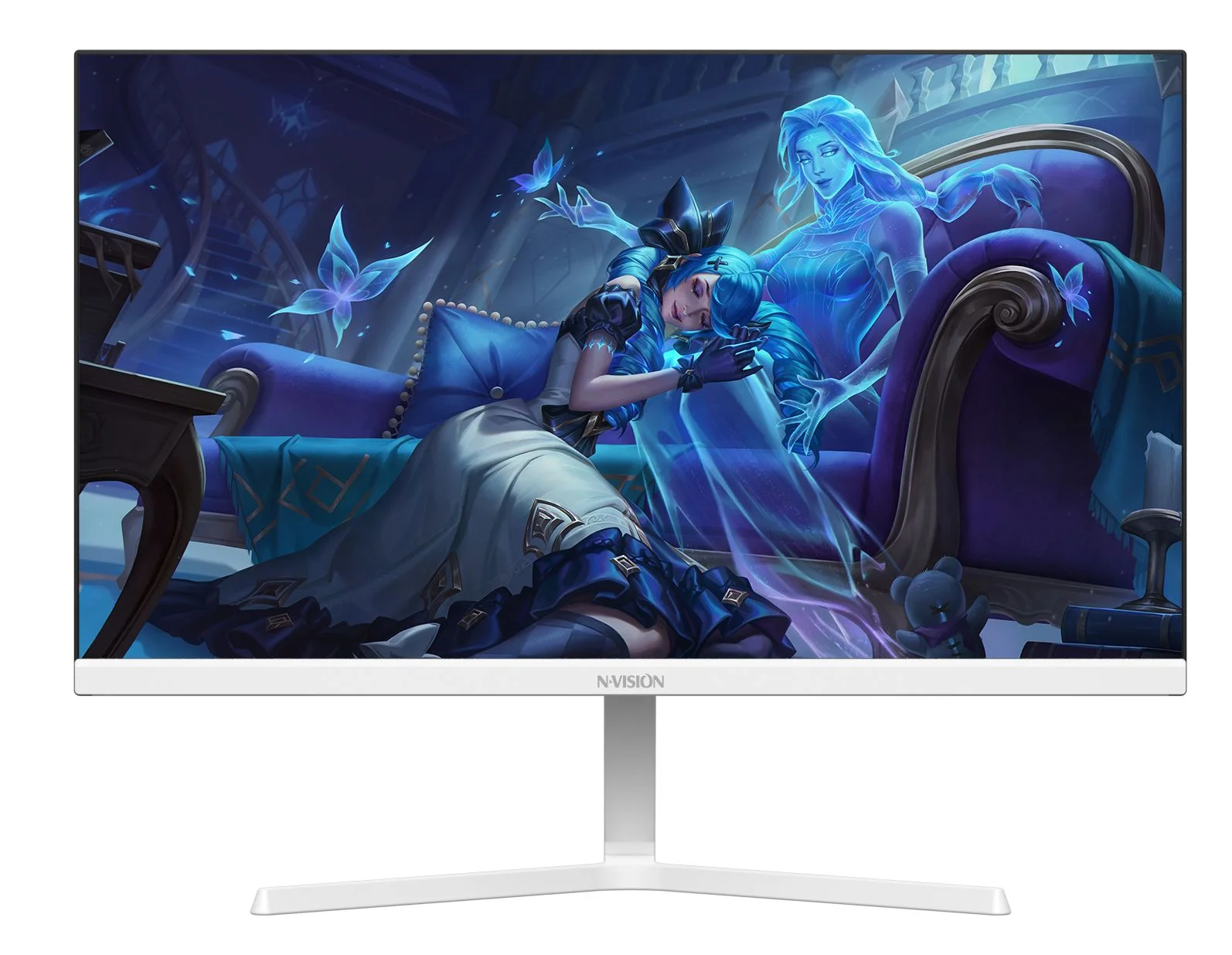
Nvision N2455GP 23.8-inch FHD 122Hz IPS Monitor
Best for: cost-conscious office desks that still need an IPS panel and higher refresh rate
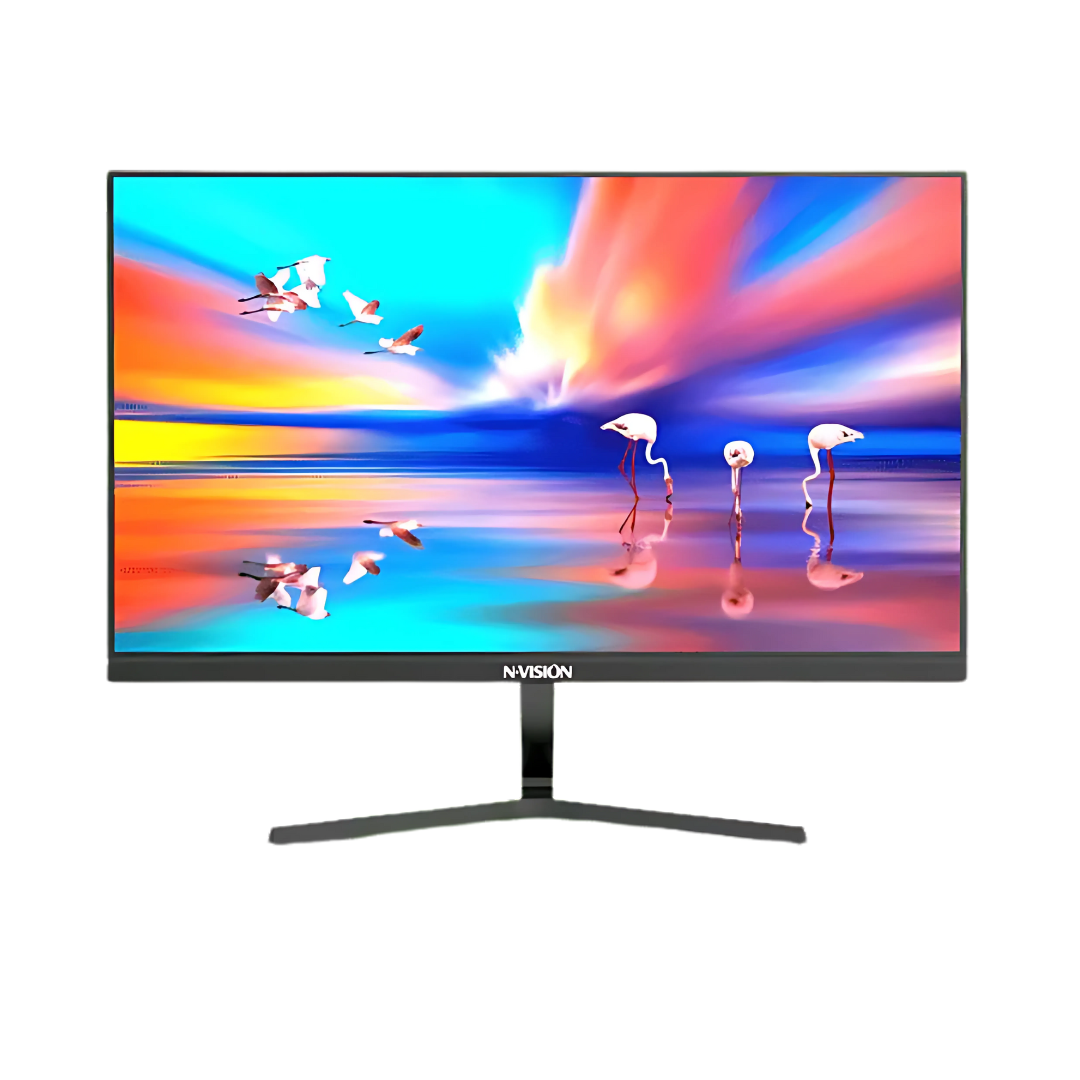
Nvision Premium IPS Monitor Full HD 1080p 100Hz
Best for: general productivity desks where buyers want a slim-bezel FHD IPS monitor
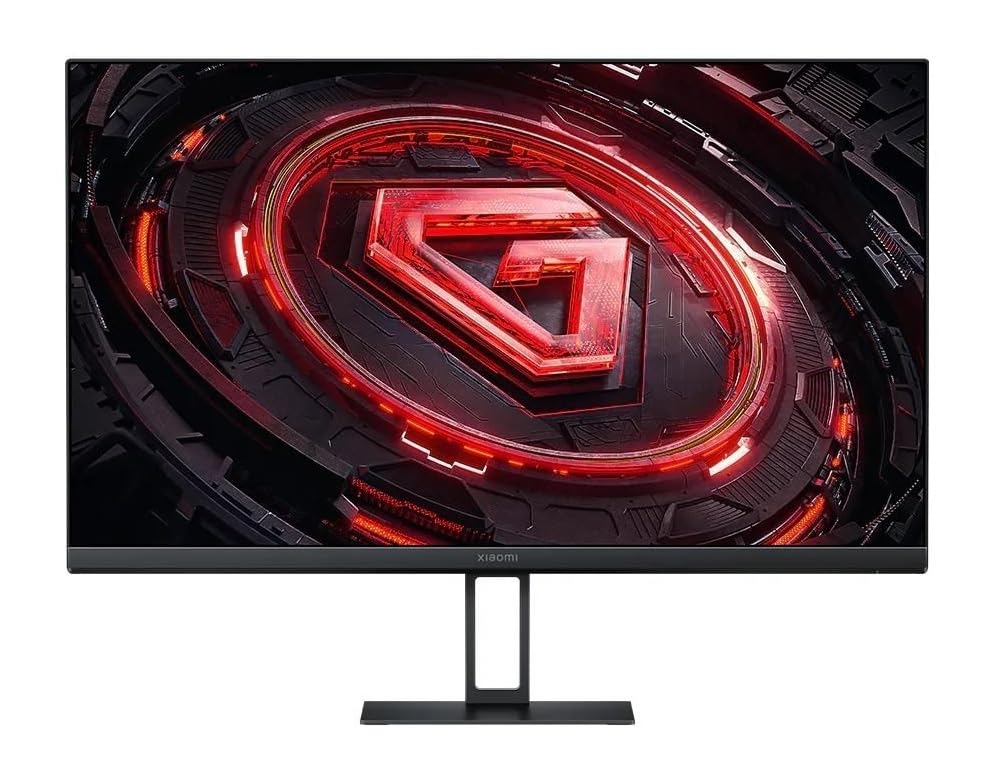
Xiaomi G24i 24-inch FHD IPS 180Hz Monitor
Best for: teams that need smoother motion, color coverage, or shared workstations for visual review
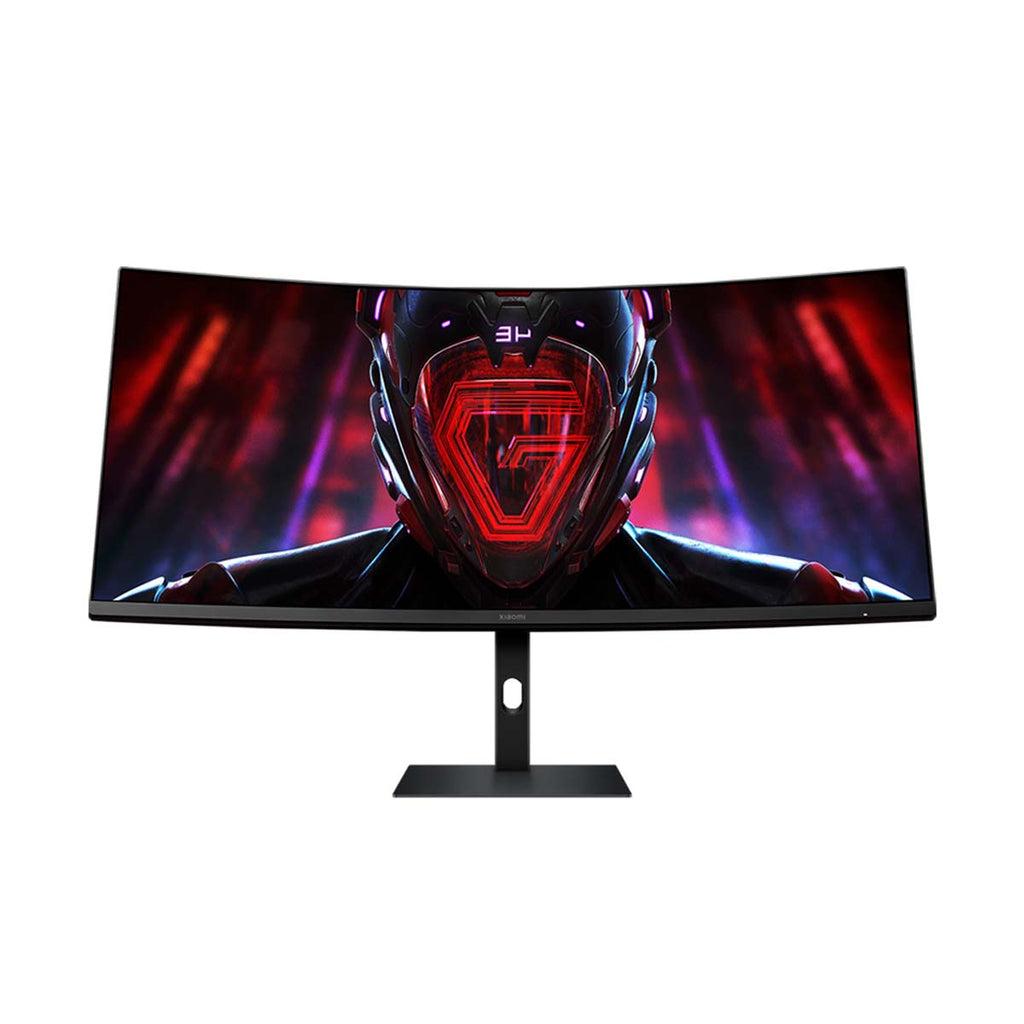
Xiaomi Curved Gaming Monitor G34WQI 34-inch Ultrawide
Best for: finance, operations, analytics, and managers who benefit from an ultrawide workspace
Best Choice by Office Workflow
| Team or desk type | Better monitor fit | Why it fits |
|---|---|---|
| Admin, HR, and operations | 23.8-inch FHD IPS monitor | Practical screen size for email, documents, forms, dashboards, and browser-based tools. |
| Finance and accounting | 23.8-inch monitor or dual-monitor setup | Useful for spreadsheets, invoice review, accounting software, and side-by-side documents. |
| BPO and support seats | Standard FHD monitor with headset and keyboard setup | Helps agents work across CRM, ticket queues, scripts, and knowledge bases. |
| Hybrid managers and trainers | Conferencing monitor | Integrated webcam and meeting features can simplify desks that handle frequent calls. |
Specs to Standardize Before Buying
For most business users, start with FHD resolution, IPS panel quality, stable stand adjustment, reliable video inputs, and compatibility with the laptops or desktops your company already buys. Refresh rate matters less for ordinary office work than panel clarity, desk fit, warranty path, and how cleanly the monitor connects to employee devices.
For teams that work in spreadsheets, support queues, operations dashboards, or financial systems all day, dual monitors can be more useful than a single premium display. The procurement decision should compare total desk cost: monitor, cables, adapters, docking, keyboard, mouse, headset, and any mounting hardware.
When to Choose Portable or Touch Monitors
Portable monitors are useful for employees who travel, move between offices, or need a temporary second screen without a full workstation. They are less ideal as the default office monitor because a permanent desk usually benefits from a larger, more stable display.
Touchscreen monitors should be reserved for workflows that need touch input, such as front desks, training rooms, kiosks, check-in counters, or interactive demonstrations. For ordinary email, documents, and spreadsheets, a standard monitor is usually the more cost-controlled choice.
When High-Refresh or Ultrawide Monitors Make Sense
Some monitors are marketed for gaming, but they can still have business use when the specification fits the workflow. A high-refresh FHD IPS monitor can feel smoother for shared desks, visual review, training rooms, and users who move quickly between windows. It should not replace a basic office monitor standard unless the extra specification has a clear productivity reason.
Ultrawide monitors are different. They can be useful for finance, analytics, operations, managers, and users who keep multiple dashboards open all day. Before buying ultrawide monitors in bulk, confirm desk space, graphics output, cable requirements, and whether the employee’s laptop or desktop can drive the wider display cleanly.
Procurement Checklist
| Check | What to confirm |
|---|---|
| Desk role | Admin, finance, BPO, manager, training, front desk, or shared workstation. |
| Device compatibility | Laptop ports, docking stations, HDMI or DisplayPort needs, USB-C adapters, and desktop outputs. |
| Workspace bundle | Monitor, headset, webcam, keyboard, mouse, dock, cables, and power needs. |
| Procurement documents | Quantity, delivery locations, quote format, official invoice needs, and purchase-order process. |
How to Avoid Overbuying Monitors
Do not make every desk a premium setup by default. A company can usually standardize around one mainstream monitor, one meeting-focused option, and one portable option. That gives procurement enough flexibility without forcing IT and facilities teams to support too many desk configurations.
If employees are asking for the best monitors for work, translate that request into role-based standards. Finance may need dual monitors. BPO agents may need a standard monitor plus headset. Managers may need a conferencing monitor. Mobile staff may need a portable second screen. The best office monitor is the one that fits the work and can be bought repeatedly without creating support friction.
Consolidated Monitor Procurement Notes
Single monitors work for focused roles, while dual monitors, portable monitors, or ultrawide displays are better for finance, operations, analytics, support, and hybrid workstation setups. Confirm screen size, resolution, ports, desk space, ergonomic needs, and whether each employee needs an office display, portable display, or both.
FAQs
What size monitor is best for office productivity?
A 23.8-inch FHD IPS monitor is a practical default for many office desks. It gives enough screen space for documents, dashboards, and browser tools without taking over the desk or increasing cost too much.
Should companies buy dual monitors?
Dual monitors can help finance, accounting, support, and operations users who compare information all day. For lighter office roles, one good monitor may be enough.
Are portable monitors good for office work?
Portable monitors are useful for mobile employees, temporary desks, field work, and compact second-screen needs. For permanent office desks, a larger standard monitor is usually more comfortable.
Request an Office Monitor Quote
Shoppable Business can help compare available monitor options, workstation bundles, laptop compatibility, delivery requirements, official invoices, and purchase-order needs for office, BPO, finance, and hybrid teams. You can also review related IT equipment procurement options before finalizing the monitor list.