
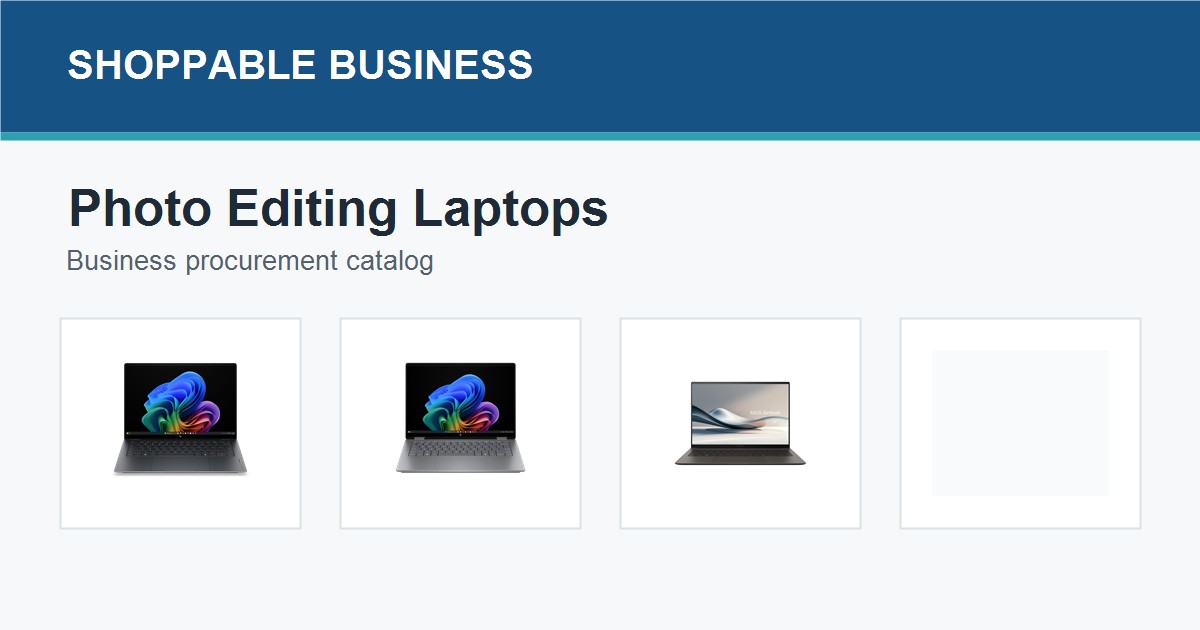
Last updated: July 2026
Photo editing teams need a different laptop shortlist from admin or BPO teams. The priority is a strong display, enough memory for large files, practical storage, and a processor that can handle editing software without slowing down daily collaboration work.
Short Answer
For photo editing, start with laptops that have OLED or high-quality displays, 16GB RAM minimum, 32GB RAM for heavier workflows, and at least 512GB SSD storage. Creative teams should confirm color expectations, external monitor use, warranty, and replacement timelines before bulk buying.
Photo Editing Laptops to Compare
These options focus on display quality, RAM, and storage rather than general office work. Browse the laptop category and the laptop procurement page before requesting a creative-team quote.
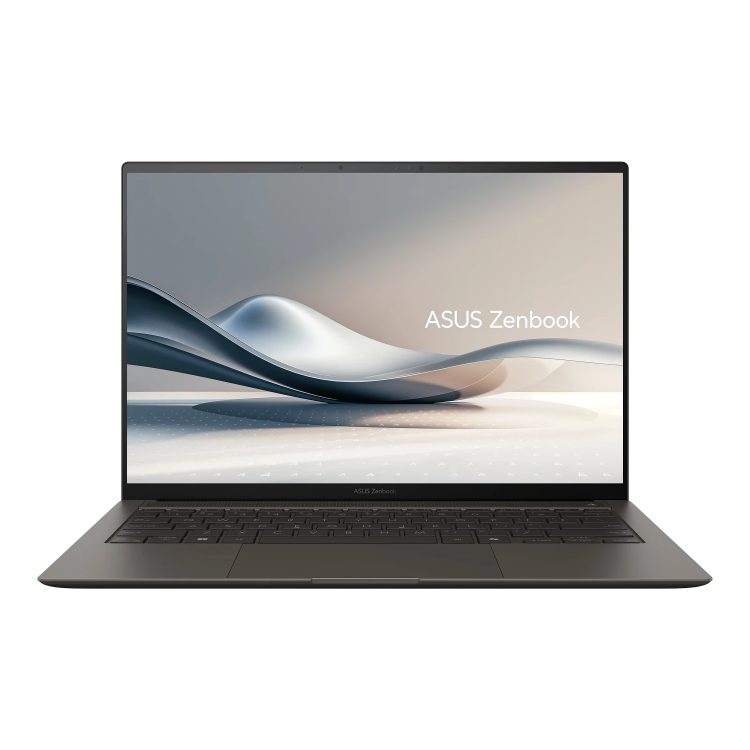
ASUS Zenbook S14 3K OLED Touch Laptop Ultra 7 32GB 1TB
Best for: portable creative teams that need 32GB memory and a premium OLED panel
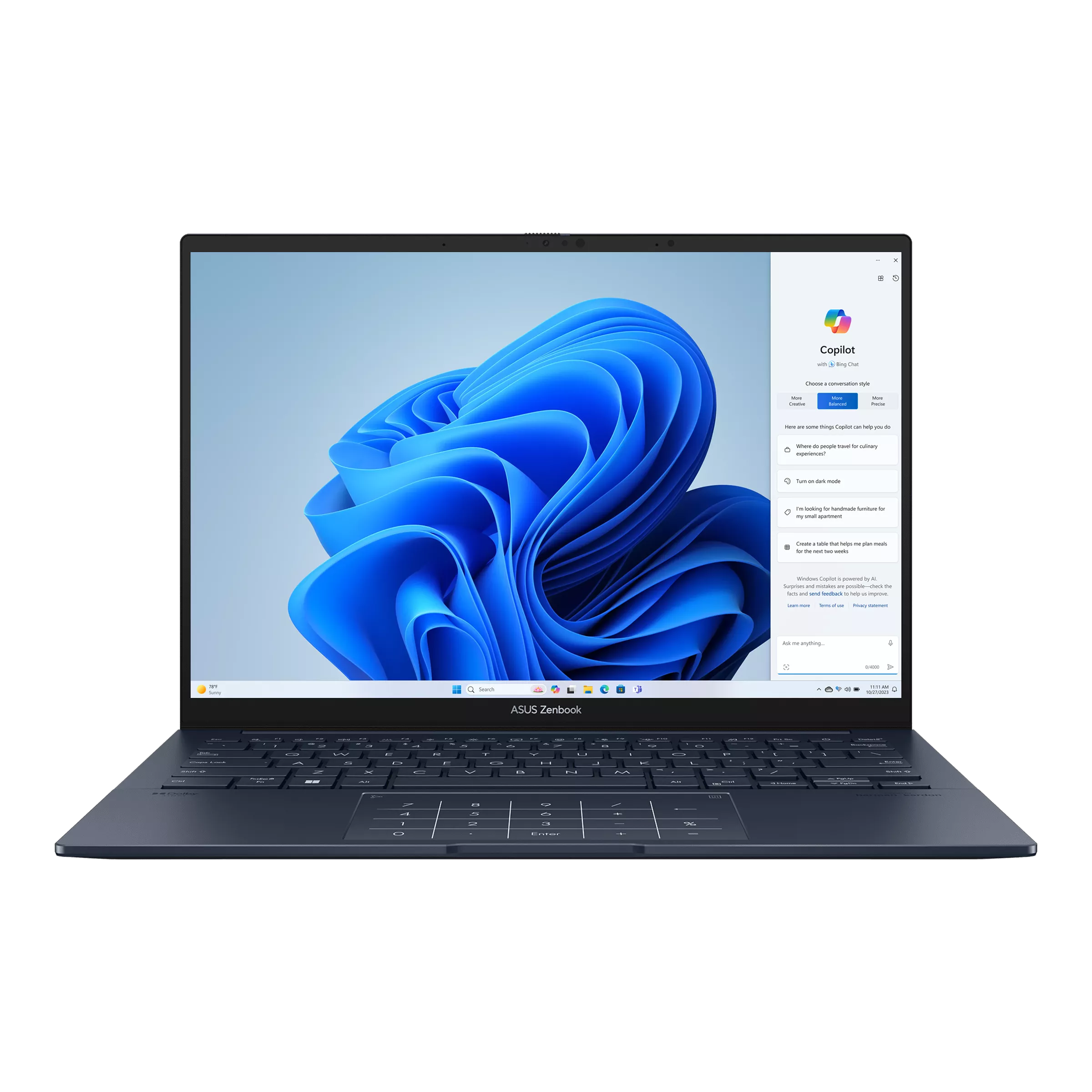
ASUS ZenBook 14 3K OLED 120Hz Laptop Ultra 7 16GB 512GB
Best for: lighter photo work, content review, and mobile creative staff
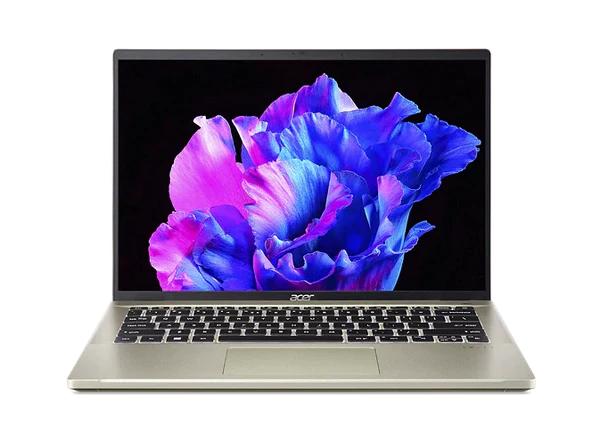
Acer Swift Go EVO 14 OLED Laptop i7 16GB 512GB
Best for: cost-conscious creative teams comparing OLED laptops
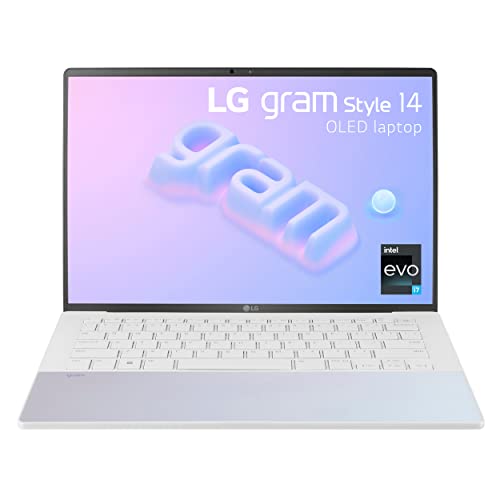
LG Gram Style 14 OLED Laptop Intel Core i7 32GB RAM 1TB SSD
Best for: traveling creative managers who value portability and memory headroom
What Matters Most for Photo Editing
For creative work, display quality matters more than it does for normal document and browser work. An OLED or higher-resolution panel can help designers and photo editors judge contrast and color more confidently, but it should still be paired with enough memory and storage for actual project files.
| Buyer need | Procurement guidance |
|---|---|
| Daily photo editing | Prioritize 16GB RAM or higher, strong display quality, and reliable SSD storage. |
| Heavy creative workloads | Move toward 32GB RAM and 1TB storage when the team works with large files. |
| Color-sensitive work | Confirm display expectations and whether external monitors will be standardized. |
Procurement Notes for Creative Teams
Before requesting a quote, list the software stack, file sizes, external monitor requirements, and whether each user needs a portable laptop or a desk-first workstation. A photographer, social media designer, and marketing manager may not need the same laptop tier.
For related equipment, compare office monitors for productivity and the broader IT products procurement page.
FAQs
How much RAM should a photo editing laptop have?
Use 16GB RAM as a practical minimum. Choose 32GB RAM for heavier editing, large files, multitasking, and longer laptop replacement cycles.
Is an OLED laptop better for photo editing?
OLED can be useful for contrast and visual review, but procurement teams should still confirm color expectations, calibration needs, and external monitor plans.
Should every creative employee get the same laptop?
Not always. Editors, designers, managers, and content reviewers may need different tiers based on workload and mobility.
Request a Creative Laptop Quote
Shoppable Business can help your team compare creator-ready laptops, confirm specs, prepare official invoices, and support procurement for photo editing and marketing teams.