
How to Handle Laptop Retrieval for Remote Employees
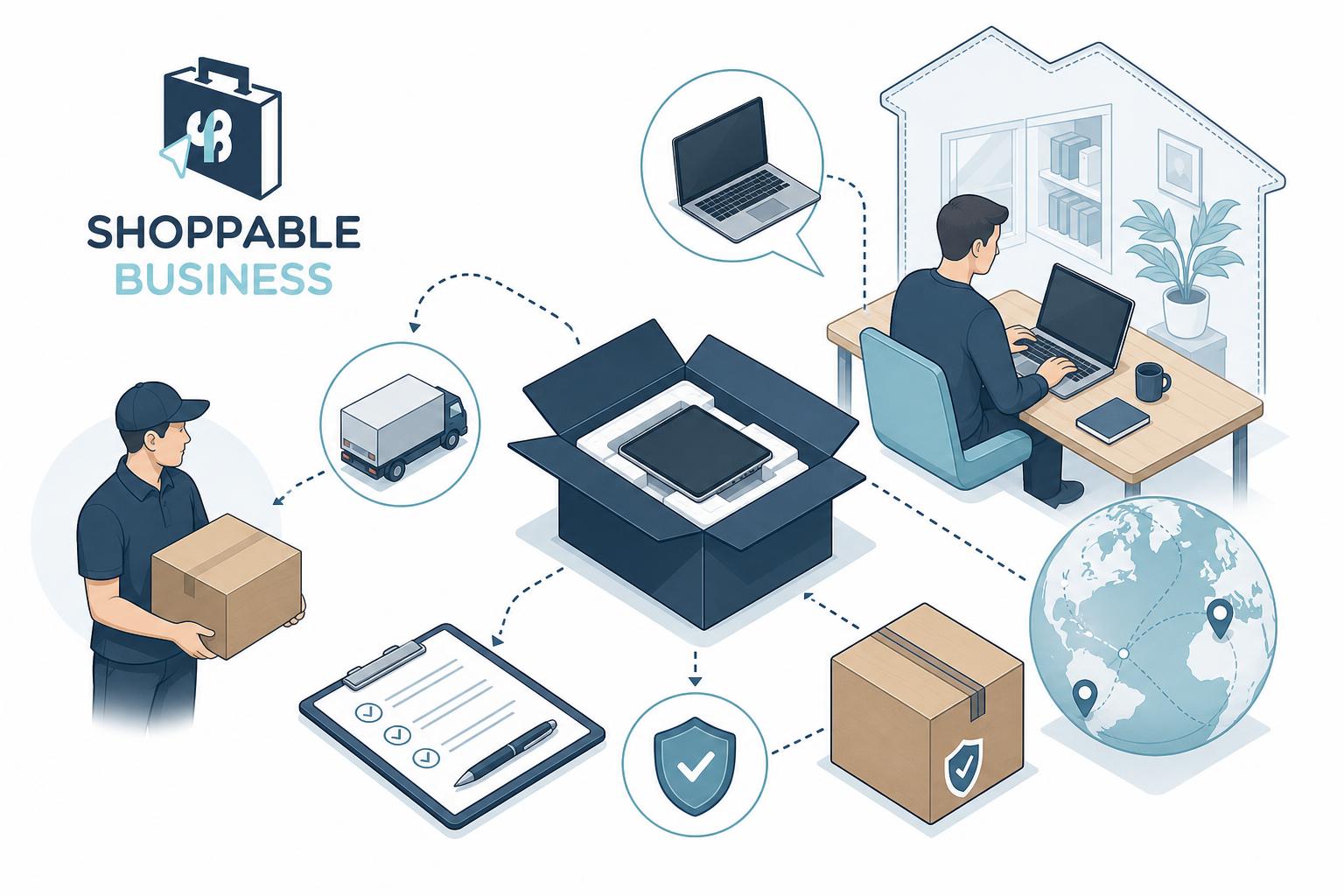
Every company with remote employees eventually faces the same awkward question: how do you get your laptops back? Whether someone resigns, gets let go, or finishes a contract, retrieving company-owned hardware from someone’s home is one of those operational headaches that nobody thinks about until it becomes a problem. And by then, you’re scrambling. A single unreturned laptop doesn’t just represent a hardware loss of PHP 30,000 to PHP 80,000 or more. It’s also a live security risk, with company credentials, customer data, and proprietary files sitting on a device you no longer control. For companies in the Philippines managing distributed teams across provinces or even internationally, the challenge multiplies fast. The good news is that a solid process for laptop retrieval turns chaos into routine. Here’s how to build one that actually works.
Establishing a Standardized Offboarding Policy
The biggest mistake companies make is treating device recovery as a one-off task handled by whoever happens to be available. Without a documented policy, things slip through the cracks. One manager sends a Viber message asking for the laptop back, another forgets entirely, and HR assumes IT is handling it while IT assumes HR is.
A standardized offboarding policy puts the process on rails. It defines who initiates the retrieval request, which team owns the logistics, and what happens at each stage. Ideally, the policy is triggered automatically when HR processes a separation, whether that’s a resignation, termination, or end of contract. The best offboarding workflows tie directly into your HRIS or ticketing system so that nothing depends on someone remembering to send an email.
Defining Asset Recovery Timelines
Timelines matter more than most companies realize. A vague “please return your laptop soon” creates weeks of delays. Set a clear window: most organizations require devices returned within 5 to 7 business days from the employee’s last working day. For terminated employees, especially those let go for cause, you may want the device back on the same day or within 48 hours.
Build these timelines into the employment contract and the offboarding checklist. When expectations are documented from day one, the conversation at exit is much simpler. Former employees who know the deadline tend to meet it.
Legal and Compliance Considerations
Philippine labor law doesn’t have a single statute governing company device returns, but several legal principles apply. Company-owned assets remain company property, and withholding them could be treated as misappropriation. Your employment contract should explicitly state that all equipment must be returned upon separation and that failure to do so may result in deductions from final pay, subject to DOLE guidelines.
Be careful with final pay deductions, though. DOLE Labor Advisory No. 06-20 clarifies that employers can only deduct for unreturned property if the employee authorized it in writing or if there’s a company policy the employee acknowledged. Document everything. If a former employee refuses to return equipment, having signed acknowledgment of the policy gives you a much stronger position before escalating to legal action.
Streamlining the Logistics of Physical Return
Getting a laptop from Makati to your office is simple. Getting one from a remote employee in Davao, Baguio, or Cebu is a different story. The logistics of physical return are where most retrieval processes fall apart, not because companies don’t try, but because they don’t plan.
Pre-Paid Shipping Kits and Labels
The easiest way to reduce friction is to remove cost and effort from the employee’s side. Send a pre-paid shipping kit that includes a padded box, bubble wrap, a pre-printed return label, and simple instructions. When the departing employee just has to pack the laptop and drop it at a courier branch, compliance rates jump dramatically.
For Philippine-based operations, partnering with a logistics provider that covers provincial areas is critical. Not every courier has reliable reach outside Metro Manila. Platforms like Shoppable, which handle end-to-end IT logistics including deployment and retrieval, can take this burden off your internal team entirely. They coordinate the shipping, packaging, and tracking so your IT department isn’t playing courier dispatcher.
White-Glove Pickup Services
For high-value equipment or sensitive roles, sending a courier to pick up the device directly from the employee’s address is worth the extra cost. This approach works especially well for executives, employees handling classified data, or situations where the separation wasn’t amicable. A scheduled pickup removes any ambiguity: someone shows up, collects the device, and provides a receipt.
Some companies assign this to their IT team, but that’s rarely efficient at scale. Third-party pickup services or procurement partners that already manage your hardware lifecycle can handle this as part of a broader asset management agreement.
Securing Data and Remote Wiping
A laptop sitting in a former employee’s home for two weeks is two weeks of uncontrolled data exposure. Even after someone’s last day, if that device still has access to your cloud tools, email, and internal drives, you have a security gap.
Mobile Device Management (MDM) Protocols
If you’re deploying laptops to remote employees without an MDM solution installed, you’re flying blind. Tools like Microsoft Intune, Jamf, or Kandji let your IT team monitor device health, enforce encryption, push updates, and – critically – trigger a remote wipe if a device isn’t returned on time.
The remote wipe capability is your safety net. If a former employee ghosts you and the laptop can’t be recovered, you can at least ensure company data is erased. MDM should be configured on every device before it’s deployed, not after a problem arises. In 2026, with hybrid and remote work now standard across Philippine BPOs and tech companies, MDM isn’t optional. It’s table stakes.
Revoking Access to Internal Systems
Remote wiping handles the device. Access revocation handles the accounts. These are two separate steps, and both need to happen on or before the employee’s last day. Disable their email, SSO credentials, VPN access, Slack or Teams accounts, and any SaaS tool logins. Don’t just change passwords: deactivate the accounts entirely.
A surprising number of data breaches trace back to former employees whose access was never revoked. Automate this through your identity management platform if possible. If your organization uses Google Workspace or Microsoft 365, both offer admin tools to suspend accounts and sign out all active sessions instantly.
Communication Strategies for Smooth Retrieval
Most retrieval delays aren’t caused by malice. They’re caused by poor communication. People forget, procrastinate, or genuinely don’t know what to do. A clear communication plan prevents the majority of these issues.
Automated Email Reminders
Set up a sequence of automated emails triggered by the offboarding workflow. The first should go out on the employee’s last day, confirming the return process, the deadline, and the shipping instructions. A second reminder at the midpoint of the return window keeps it top of mind. A final notice two days before the deadline, with a clear statement about consequences for non-return, usually gets the stragglers moving.
Keep the tone professional but direct. Nobody responds well to passive-aggressive emails, but nobody takes vague ones seriously either. Include a tracking link or return form so the employee can confirm when they’ve shipped the device.
Handling Unresponsive Former Employees
Sometimes people simply stop responding. When emails and calls go unanswered past the deadline, escalate in stages. Start with a formal letter sent via registered mail to their address on file. If that doesn’t work, involve your legal team to send a demand letter. In the Philippines, a notarized demand letter often prompts action without needing to go further.
For chronic non-returns, some companies deduct the device cost from the final pay, provided the employee signed an authorization. Others report the device as stolen, though this should be a last resort and only with legal counsel’s guidance. Track every communication attempt: dates, channels, and responses. This documentation protects you if the situation escalates.
Inventory Management and Hardware Inspection
Getting the laptop back is only half the job. What you do with it next determines whether you get real value from the recovery process or just add a dusty device to a closet shelf.
Assessing Damage and Wear
Every returned device should go through a standardized inspection. Check the screen, keyboard, trackpad, ports, battery health, and overall cosmetic condition. Run diagnostics to verify the hard drive, RAM, and other internals are functioning properly. Document everything with photos and a condition report.
This step protects you from disputes with former employees and gives you accurate data on your fleet’s health. If you’re working with a procurement partner like Shoppable, their end-to-end support can include warranty claim processing for devices that come back with defects covered under manufacturer warranty, saving you the hassle of dealing with individual brand service centers.
Refurbishment and Reissue Workflow
A returned laptop in good condition shouldn’t sit idle. Wipe the drive, reinstall your standard OS image, re-enroll it in your MDM platform, and add it back to your available inventory. This cycle of retrieving, refurbishing, and reissuing devices can extend your hardware budget significantly. A well-maintained business laptop has a useful life of 3 to 4 years, and reissuing a recovered device to a new hire saves PHP 25,000 to PHP 60,000 per unit compared to buying new.
Create a simple status system: returned, inspected, refurbished, ready for deployment, or retired. This keeps your asset register clean and gives procurement teams real-time visibility into what’s available.
Evaluating Costs and ROI of Outsourced Recovery
Running retrieval in-house sounds cheaper until you add up the hidden costs. Your IT team’s time spent coordinating shipments, chasing unresponsive employees, inspecting returned hardware, and managing inventory adds up fast. For a company offboarding 10 to 20 remote employees per quarter, this can easily consume 40 or more hours of staff time.
Outsourcing the recovery process to a logistics or procurement partner often pays for itself. The per-device cost of a managed retrieval service is typically a fraction of the replacement cost of a lost laptop. Companies using centralized procurement platforms like Shoppable gain an additional advantage: because the same partner that sourced and deployed the device also handles its return, there’s a single system of record tracking the asset from purchase to retirement. That visibility makes budgeting, auditing, and tax compliance far simpler, especially when every transaction comes with BIR-certified invoices.
The real ROI isn’t just in recovered hardware. It’s in reduced security incidents, faster onboarding for new hires who receive refurbished devices, and the peace of mind that comes from knowing your asset lifecycle is actually managed rather than improvised.
Building a Retrieval Process That Scales
A company with five remote employees can handle laptop returns over group chat. A company with fifty or five hundred cannot. The difference between the two isn’t just size: it’s whether you’ve built a system or you’re relying on individual effort. Start with a written policy, automate your communications, choose reliable logistics partners, and inspect every device that comes back. Do those four things consistently, and you’ll recover more hardware, reduce data risk, and stop losing money to preventable losses. The companies that treat device recovery as a real business process, rather than an afterthought, are the ones that scale remote operations without the chaos.
If you’re looking for a reliable laptop retrieval service, try out ours today. We are already helping top BPO and remote companies retrieve laptops nationwide in the Philippines.