Remote hiring makes laptop procurement more important, not less. When employees are spread across Metro Manila, Cebu, Davao, provincial cities, coworking spaces, and home offices, the laptop has to do more than run email and video calls. It becomes the employee's workstation, meeting room, security surface, and support dependency.
For Philippine companies, BPO teams, regional operators, and overseas employers hiring local staff, the best business laptop is not always the most expensive model. It is the model that fits the role, can be procured consistently, comes with proper documentation, and can be supported across onboarding, replacement, retrieval, and redeployment.
Shoppable Business helps companies compare options through the Shoppable Business product catalog, request quotes, and coordinate laptop procurement for Philippine teams. If your team needs support beyond product selection, see Shoppable's IT products page and laptop procurement for remote teams service page.
Short Answer: Best Business Laptops for Remote Teams
The best business laptops for remote teams are business-ready models that match each role, support video calls and browser-heavy work, and can be procured, delivered, replaced, retrieved, and redeployed without creating extra work for IT, HR, or finance.
What Makes a Laptop Good for Remote Teams?
A good remote-team laptop should match the employee's daily workload, collaboration tools, security needs, and support model. Before comparing brands or specs, procurement teams should separate users into groups:
- Admin, finance, HR, and operations users who mostly work in browser-based tools, spreadsheets, email, and video calls
- Sales and account-management users who need reliable video calls, portability, and battery life
- Customer support and BPO users who need stable performance with CRM, softphone, chat, and headset tools
- Technical, creative, or data-heavy users who may need stronger processors, more memory, larger screens, or dedicated graphics
- Managers and executives who may prioritize portability, build quality, docking, and conferencing reliability
This role-based approach prevents overbuying for simple roles and underbuying for employees whose tools genuinely need more power.
Recommended Laptop Specs for Business Procurement
For most business users, start with a practical baseline:
| User type | Practical baseline | When to upgrade |
|---|---|---|
| Admin, HR, finance, sales | Intel Core i5 or Ryzen 5, 8GB RAM, SSD storage | Upgrade to 16GB RAM for heavy spreadsheets or many browser tabs |
| Support and BPO users | Intel Core i5 or Ryzen 5, 8GB to 16GB RAM, SSD storage | Upgrade if CRM, softphone, video, and monitoring tools run together |
| Managers and hybrid workers | Lightweight business laptop, good webcam, strong battery, USB-C | Upgrade for docking, better display, and travel durability |
| Creative or analytics users | Higher-end processor, 16GB RAM or more, larger SSD | Consider dedicated graphics or workstation-class models when needed |
| Field or operations users | Durable build, good battery, practical ports | Consider accidental-damage support or ruggedized options if relevant |
For remote employees, memory and storage choices matter. A laptop with 8GB RAM may be enough for basic admin work, but 16GB RAM is often a better standard for employees who run video calls, dozens of browser tabs, productivity software, and company security tools at the same time.
Laptop Types to Compare
Standard Business Laptops
Standard business laptops are usually the right starting point for remote employees. They balance performance, durability, and cost. For new-hire batches, these models are easier to standardize because they fit many roles without creating a complex support matrix.
Procurement teams should compare business laptop lines from brands such as Dell, Lenovo, HP, Acer, and ASUS based on current availability, warranty terms, and role fit. The business procurement catalog is the best place to begin product discovery before requesting a quote.
Lightweight Laptops for Managers and Sales Teams
Employees who travel, meet clients, or move between home and office often benefit from lighter laptops with stronger battery life. These users may also need better webcams, microphones, and docking support because they spend more time in meetings.
For sales and management roles, do not evaluate laptops only by processor. Check screen quality, weight, battery life, keyboard comfort, and whether the laptop works cleanly with external monitors, docks, headsets, and webcams.
Higher-Spec Laptops for Technical or Creative Roles
Some employees need more than a standard office laptop. Designers, analysts, engineers, data teams, and power users may need more memory, stronger processors, larger displays, or graphics capability.
The safest procurement approach is to define these users separately. Do not force every employee into the same high-spec model, but do not make technical users fight with underpowered machines either. A two- or three-tier laptop standard usually works better than a single model for every department.
How to Build a Remote-Team Laptop Shortlist
Use a shortlist instead of asking each department to choose from scratch. A practical company laptop standard might include:
- One baseline laptop for admin, HR, finance, and general business users
- One higher-memory laptop for BPO, sales, and support teams using many live tools
- One lightweight laptop for managers, sales leaders, and hybrid executives
- One higher-spec laptop for technical, creative, or analytics users
- One approved accessories bundle with monitor, headset, keyboard, mouse, dock, and bag options
This keeps procurement flexible while making support easier. IT can prepare fewer images, finance can compare quotes more cleanly, and HR can onboard new employees faster.
Business Procurement Checklist
Before placing a laptop order for remote employees, confirm:
- Number of employees and target delivery timeline
- Roles and software requirements for each user group
- Preferred brands or models, if any
- Processor, RAM, storage, screen size, and operating system requirements
- Warranty, service, and replacement expectations
- Invoice, purchase order, and payment-term requirements
- Delivery destinations and whether devices need staging or deployment support
- Accessories needed with each laptop
- Retrieval or redeployment process for employee offboarding
If you need procurement support, Shoppable Business can help teams compare options, request quotes, and coordinate laptop sourcing through one business procurement process. For equipment lifecycle needs, the laptop retrieval service can also support companies collecting devices from Philippine employees.
Business Laptops to Review
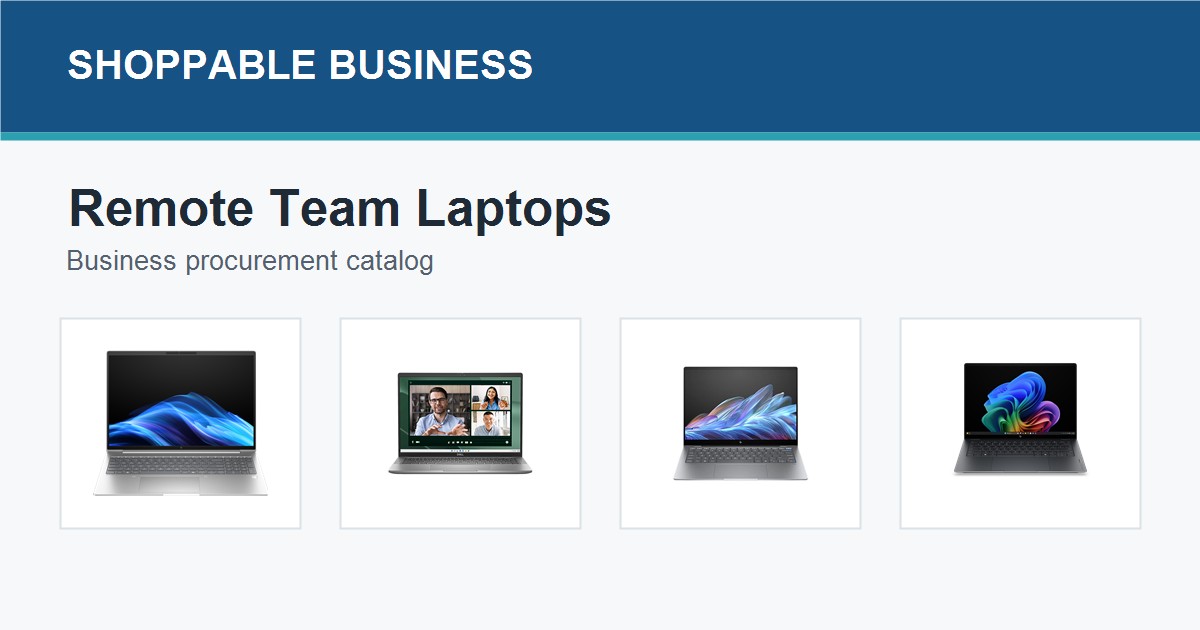
Use the Shoppable Business product catalog to compare current laptop and notebook options. For more options by manufacturer, browse the Dell brand page, Lenovo brand page, or HP brand page. Confirm availability, pricing, warranty terms, and model fit through a business quote before procurement.
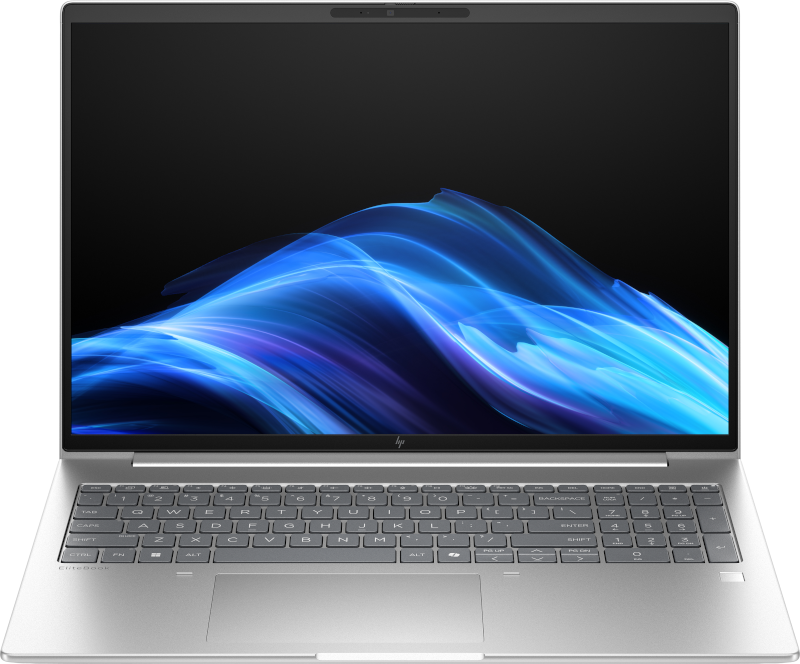
HP EliteBook 6 D63YRPT G1i 16 AI Ultra 7 255H 16GB 1TB Business Laptop
Best for: Managers, power users, and teams that need a higher-spec business laptop
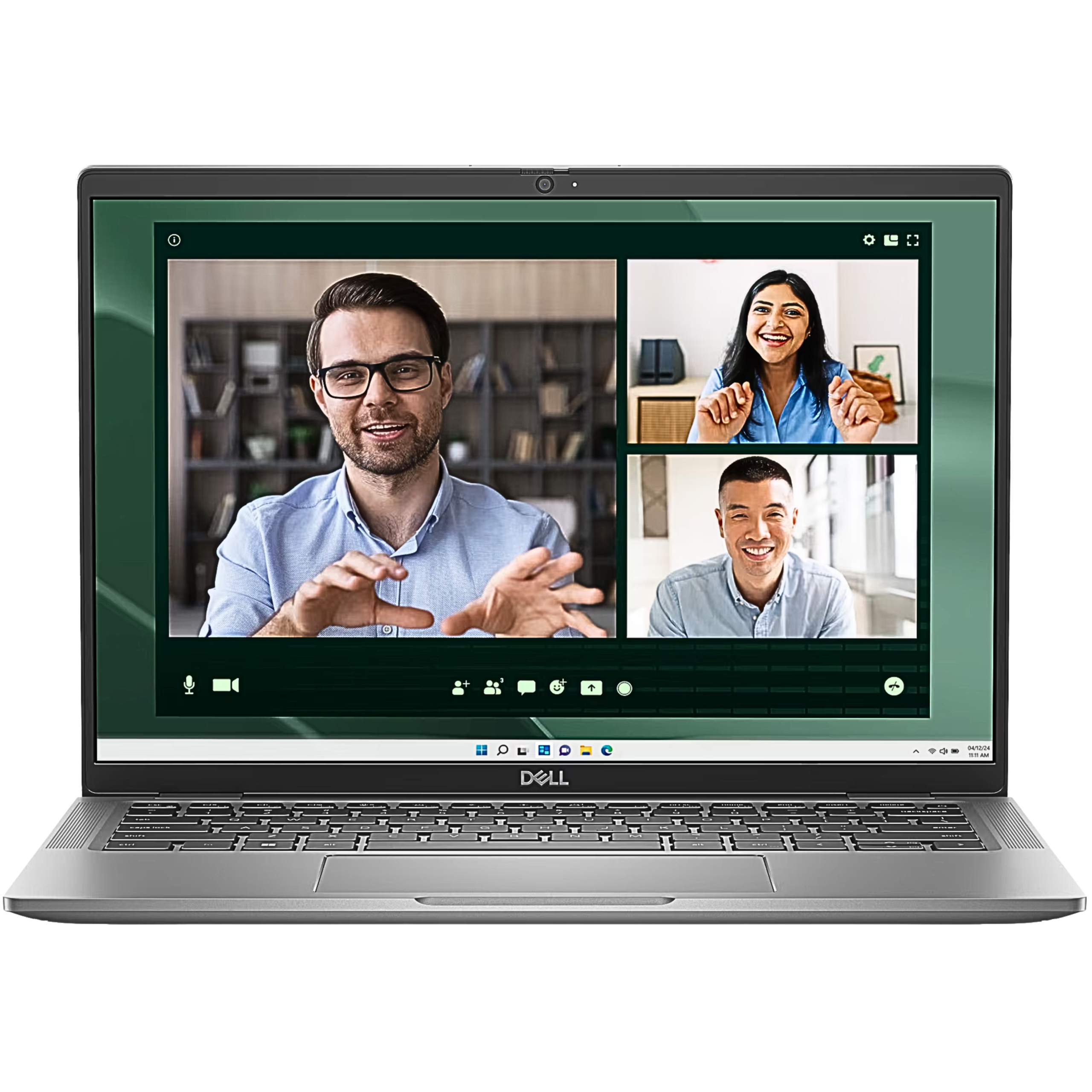
Dell Latitude 7450 14-inch FHD+ Notebook Laptop Core Ultra 7 165U 16GB 512GB SSD Win11 Pro
Best for: Managers, mobile workers, and higher-trust employee roles
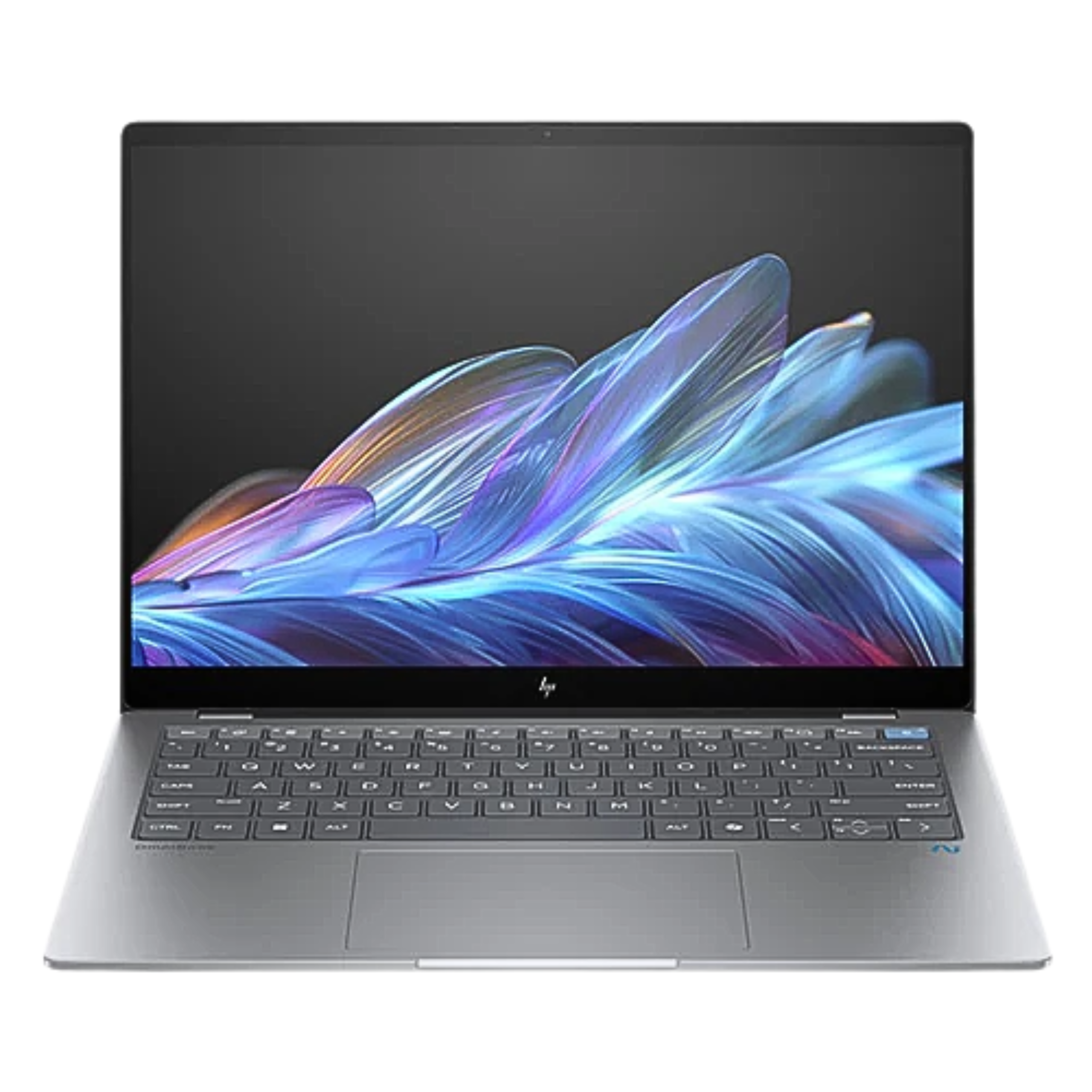
HP OmniBook X 14-fe0028QU Snapdragon X Elite 32GB 1TB Touch Laptop
Best for: Remote workers who prioritize portability, memory headroom, and video-call productivity
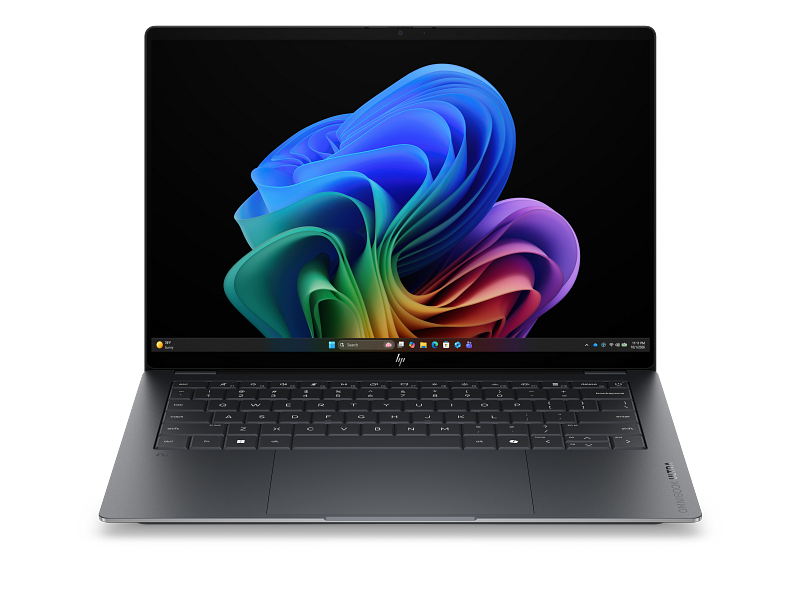
HP OmniBook Ultra 14-kd0010TU Core Ultra 7 356H 32GB 1TB OLED Laptop
Best for: Remote managers, analysts, and heavier multitaskers who need 32GB memory
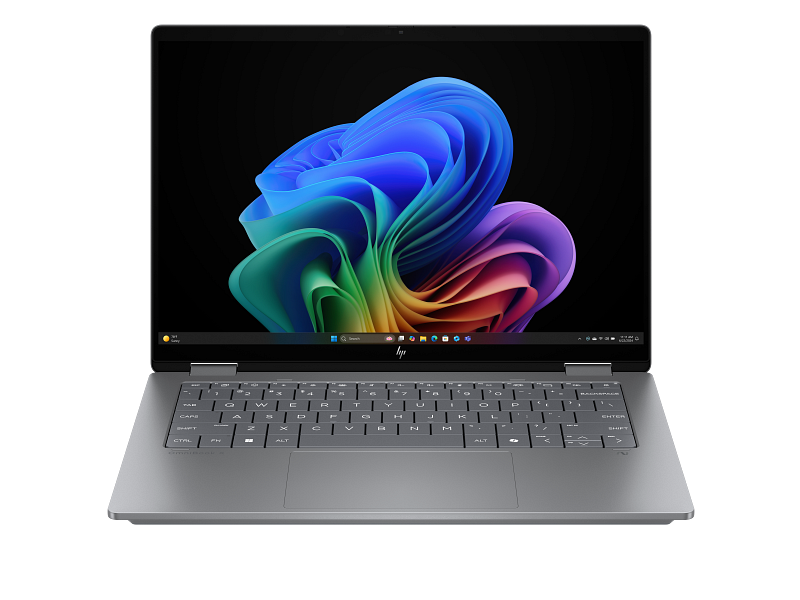
HP OmniBook X Flip 14-fk0112AU Ryzen AI 7 350 16GB 1TB OLED Laptop
Best for: Hybrid remote users who want a flexible laptop format and 1TB storage
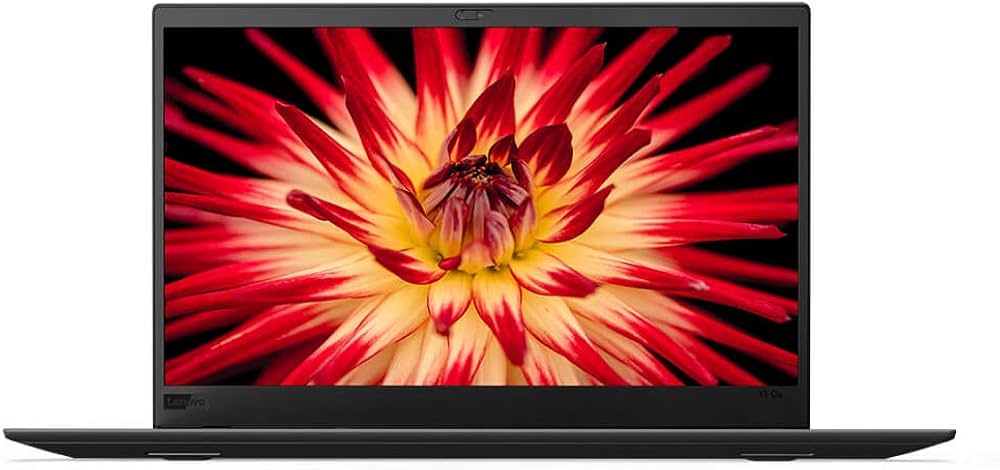
Lenovo ThinkPad X1 Carbon Core i5-8350U 13.9-inch Touchscreen 8GB 256GB SSD
Best for: Buyers comparing lighter ThinkPad options, subject to availability and condition checks
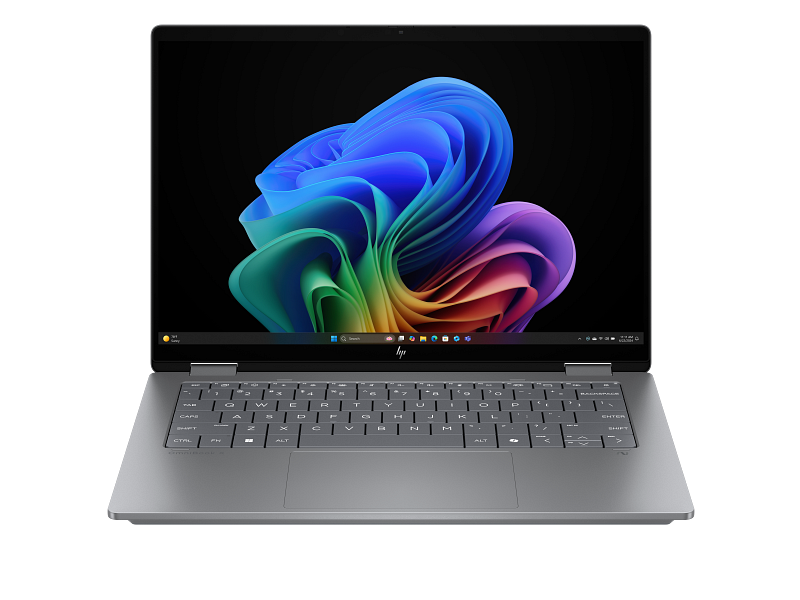
HP OmniBook X Flip 14-fk0111AU Ryzen AI 7 350 32GB 1TB 3K OLED Laptop
Best for: Remote creative, reporting, and multitasking users who need 32GB memory and 1TB storage
FAQ
What laptop specs are best for remote employees?
For general business users, a modern Intel Core i5 or Ryzen 5 laptop with SSD storage is a practical starting point. Many teams should consider 16GB RAM for employees who run video calls, browser-heavy workflows, CRM tools, or security software throughout the day.
Should companies buy the same laptop for every employee?
Not always. Standardization helps with support and procurement, but different roles may need different specs. A simple tiered standard usually works best: baseline office laptop, stronger support or productivity laptop, lightweight manager laptop, and higher-spec technical laptop.
Should remote-team laptop procurement include accessories?
Yes. Many remote employees also need a monitor, headset, keyboard, mouse, webcam, dock, backpack, or protective sleeve. Bundling accessories into the procurement plan helps avoid scattered follow-up purchases.
Can Shoppable Business help with laptop procurement for remote teams?
Shoppable Business can help companies compare laptop options, request quotes, and coordinate procurement support for Philippine teams. Start with the laptop procurement for remote teams page or request an IT equipment quote.
FAQs
What specs should remote team laptops have?
For most remote staff, start with 16GB RAM, 512GB SSD storage, a current business-grade processor, webcam, Wi-Fi, and enough battery life for daily work.
Should every remote employee receive the same laptop?
Not always. Standardize a baseline model, then create exceptions for managers, analysts, creative users, and employees who travel often.
What should be included in a laptop quote request?
Include quantity, employee roles, preferred brands, delivery locations, warranty expectations, accessories, and invoice or purchase-order requirements.
Request an IT Equipment Quote
If you are buying laptops for new hires, remote employees, BPO teams, or distributed Philippine staff, Shoppable Business can help you compare options and request a procurement quote. Share your headcount, user roles, preferred specs, delivery locations, and invoice or purchase order requirements so the team can help build a practical shortlist.